Cutting the cord sounds liberating — until you actually try to replace local TV. Suddenly, finding free, reliable local news and weather without cable feels like a scavenger hunt. Most streaming apps drown you in national content while completely ignoring what’s happening in your own city.
That’s exactly the problem the Zeam app is trying to solve — but before we go any further, there’s one critical clarification you need to understand.
⚠️ Important clarification (read this first)
There are two different apps currently using the name “Zeam.”
This article only covers the Zeam streaming app developed by Syncbak, Inc, a U.S.-based company that also operates NewsON. This version of Zeam focuses on live local TV, news, and weather and was previously known as VUit / SBTV.
It does not refer to ZEAM by Paytec Group (zeam.money), which is a financial and digital payments app serving African markets. The two apps are completely unrelated and serve entirely different purposes.
Now that that’s clear, let’s get into the real question:
Is the Zeam local TV app actually worth using in 2025?
What Is the Zeam App?
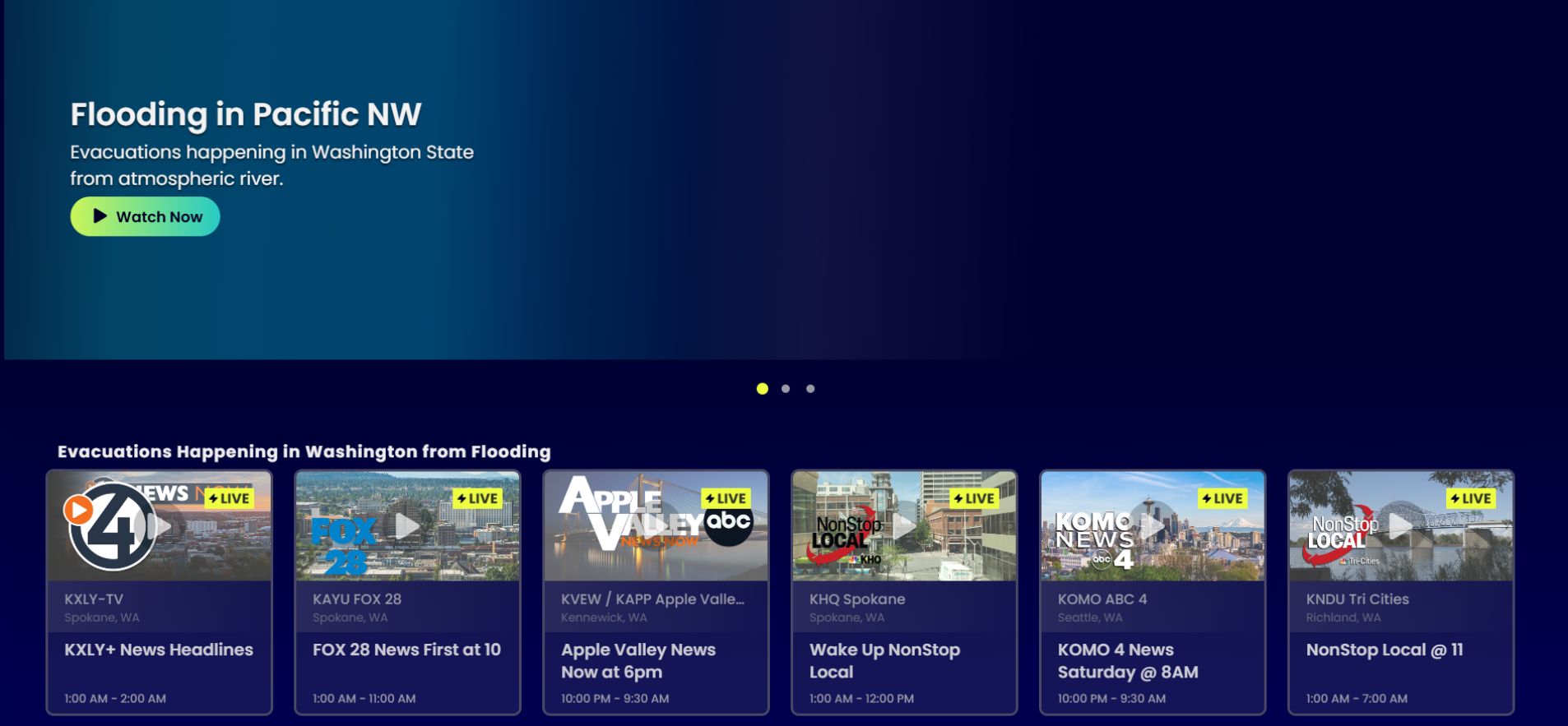
At its core, Zeam is built for one specific job: delivering local information, not replacing cable or live TV bundles.
The Zeam app (by Syncbak, Inc) is a free local TV streaming platform that lets you watch:
-
Live local news
-
Weather updates
-
Community programming
-
Some regional sports
You can access Zeam on Android, iOS, Roku, Fire TV / Firestick, and select smart TVs.
The Critical Catch (Read This!)
This is where expectations matter — and where many people get confused.
Zeam is a specialist, not a full TV replacement. It does NOT stream full national network feeds, which means:
-
❌ No ABC, NBC, or CBS primetime shows
-
❌ No national late-night programming
-
❌ No major national sports broadcasts
What Zeam does stream is locally produced content from affiliate stations, including:
-
Live local newscasts
-
Local events
-
Weather coverage
-
Limited on-demand news clips, depending on the local station.
👉 Bottom line:
If you want local updates, Zeam works well.
If you want national TV, it won’t.
How the Zeam App Works
Understanding how Zeam works helps explain why it feels different from most streaming apps.
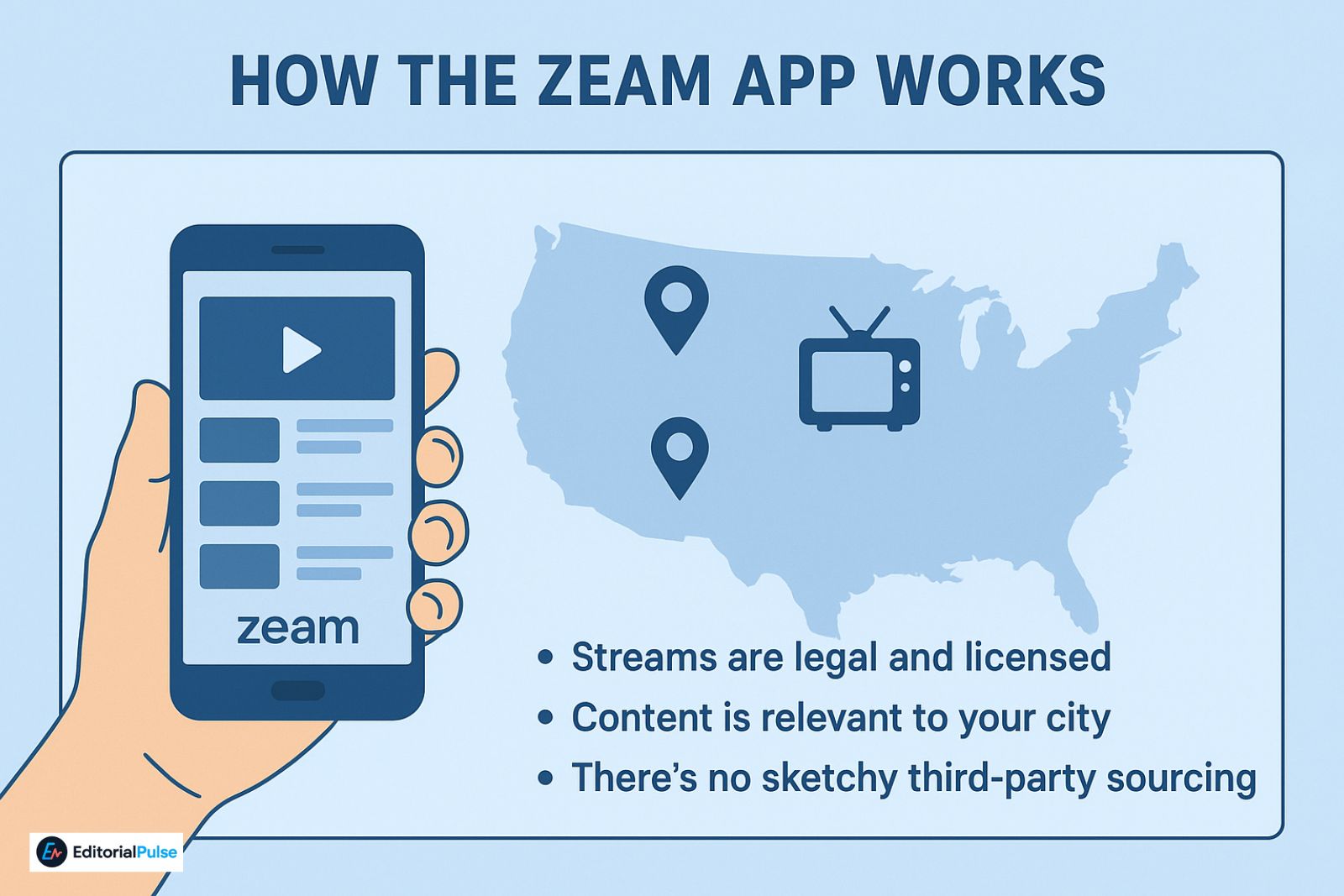
Zeam aggregates live streams from local affiliate broadcasters and delivers them in real time.
So how is that different?
Unlike national platforms, Zeam is location-based. The channels you see depend entirely on where you are. Someone in Chicago will see different content than someone in Los Angeles — and that’s intentional.
Because Zeam partners directly with stations:
-
Streams are legal and licensed
-
Content is relevant to your city
-
There’s no sketchy third-party sourcing
Is the Zeam App Free?
This is one of Zeam’s biggest selling points — and yes, it’s legit.
Zeam is 100% free.
That means:
-
No subscription
-
No credit card
-
No hidden paywall
You may be asked to create an account for optional features, but watching live local channels is completely free.
Zeam App Features (2025)
Here’s what you actually get when you install the app — no marketing fluff.
-
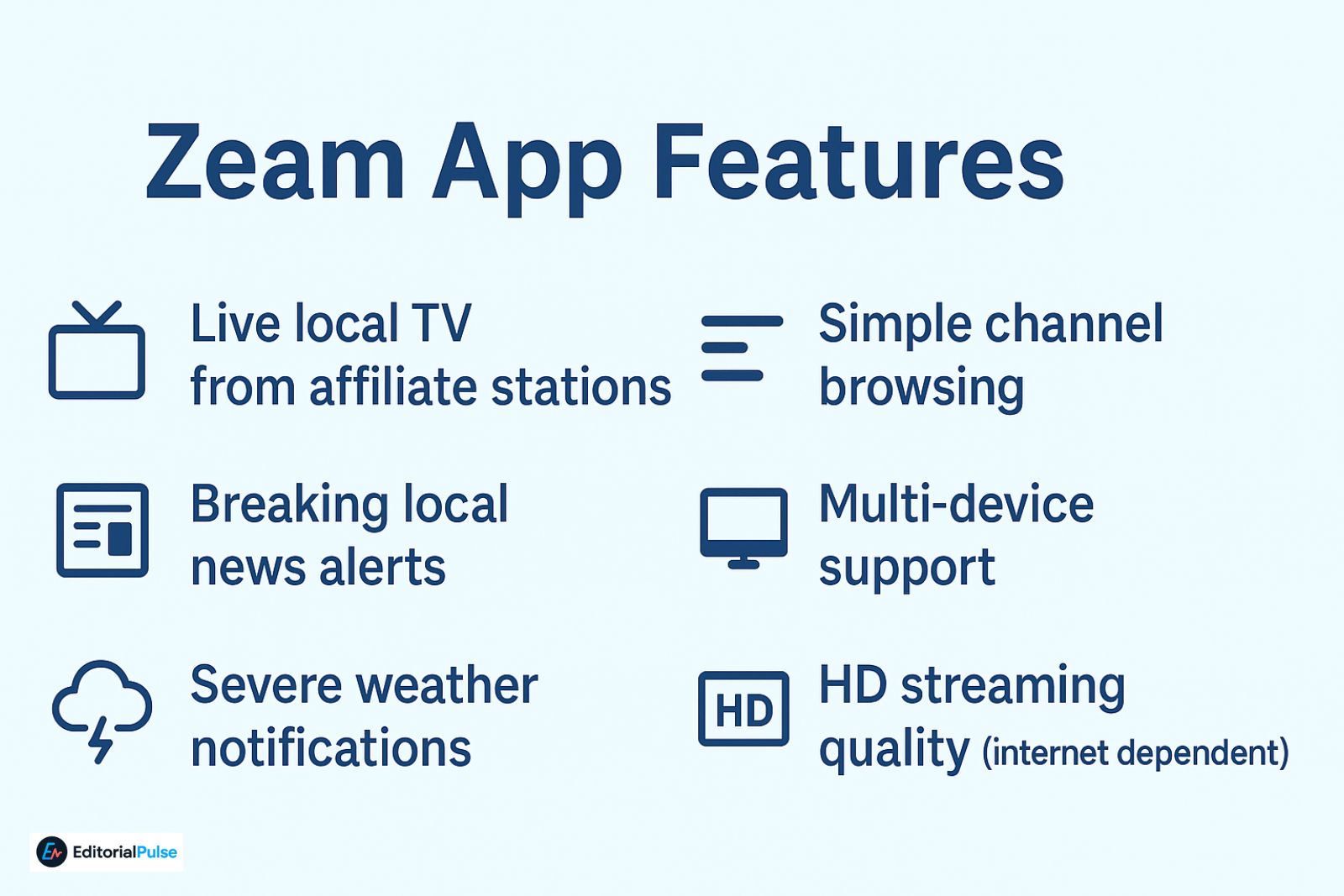
Live local TV from affiliate stations
-
Breaking local news alerts
-
Severe weather notifications
-
Simple channel browsing
-
Multi-device support
-
HD streaming quality (internet dependent)
⚠️ Just a heads-up:
There’s no DVR. You’ll need to watch content live — the app doesn’t support recording or full on-demand playback.
Supported Devices
Zeam works across most major platforms, which makes it flexible for cord-cutters.
Mobile Devices
-
Android: Google Play Store (Android 7.0+)
-
iPhone / iPad: Apple App Store (iOS 14+)
Streaming Devices
-
Roku: Roku Channel Store (sticks + TVs)
-
Fire TV / Firestick: Amazon App Store
Smart TVs
-
Limited native support
-
Chromecast or AirPlay may be required
How to Download & Install Zeam
Installation is straightforward on every supported platform.
Android
-
Open Google Play Store
-
Search “Zeam app”
-
Install → Open
-
Select your city → Start watching
iOS
-
Open App Store
-
Search “Zeam Always Local”
-
Tap Get
-
Open app → Choose your location
Roku
-
Go to Streaming Channels
-
Search Zeam
-
Add Channel
-
Open app → Select city
Firestick
-
Open Amazon App Store
-
Search Zeam app
-
Download → Open
-
Choose your city
Supported Cities & Availability
Zeam only works in U.S. markets where it has affiliate partnerships.
Common supported cities include:
-
New York
-
Los Angeles
-
Chicago
-
Houston
-
Miami
Availability varies by market, and smaller cities may have fewer channels. The only way to confirm coverage is inside the app.
Hands-On Review: What It’s Like to Use Zeam
After testing Zeam across devices, here’s how it performs in real-world use.
Streaming Quality
-
Typically 720p–1080p
-
Smooth on stable internet
-
Occasional buffering during breaking news
Channel Accuracy
-
Local news and weather are reliable
-
Regional sports vary by market
-
No national primetime content
App Stability
-
Generally stable
-
Minor slowdowns during peak hours
Compared to Cable
-
👍 Free, portable, local
-
👎 No DVR, no national channels
Pros & Cons
Here’s a clear snapshot of where Zeam shines — and where it falls short.
| Pros | Cons |
|---|---|
| Completely free | No national network feeds |
| Strong local focus | No DVR or recordings |
| Works on major platforms | U.S.-only |
| Legal, licensed streams | Channel lineup varies |
| Clean, simple interface | Not a cable replacement |
Zeam vs LocalBTV vs NewsON vs Haystack
If you’re choosing between free local TV apps, this comparison helps.
| Feature | Zeam | LocalBTV | NewsON | Haystack |
|---|---|---|---|---|
| Free | ✅ | ✅ | ✅ | ✅ |
| Local news | ✅ | ✅ | ✅ | Partial |
| National primetime | ❌ | ❌ | ❌ | Partial |
| Device support | All major platforms | Limited | All major platforms | Limited |
| DVR | ❌ | ❌ | ❌ | ❌ |
Is Zeam Safe to Use?
Yes — the Zeam streaming app by Syncbak, Inc is safe.
-
Legit developer
-
Licensed broadcaster partnerships
-
Minimal permissions
-
Available on official app stores
⚠️ Reminder: This is not the ZEAM money/remittance app.
Common Problems & Quick Fixes
Most issues are simple to resolve:
-
App won’t open → Restart device
-
No channels → Check location permissions
-
Buffering → Test internet speed
-
Roku issues → Remove & reinstall
-
Firestick crashes → Clear cache
-
Missing city → Market not supported
-
Bugs → Update to latest version
Who Zeam Is Best For
Zeam isn’t for everyone — but it’s perfect for:
-
Cord-cutters who only want local news
-
Travelers and RV users
-
Emergency and weather monitoring
-
Viewers tired of cable fees
FAQs
Q. Is Zeam the same as Zeam Money or Zeam.money?
No. Zeam by Syncbak is a local TV streaming app. Zeam.money is a financial and payments app. They are completely unrelated.
Q. Is the Zeam app really free?
Yes. Zeam is 100% free with no subscription or credit card required.
Q. Does Zeam show ABC, NBC, or CBS shows?
No. Zeam does not stream full national network programming. It only shows locally produced content.
Q. Does Zeam work outside the United States?
No. Zeam is only available in supported U.S. markets.
Q. Is Zeam better than NewsON?
They’re similar. Zeam offers broader device support (Roku and Fire TV), while NewsON is more focused on mobile viewing.
Final Verdict
The Zeam app (by Syncbak) is a solid, free option for watching local TV, news, and weather — as long as you understand its limits.
It won’t replace cable, and it won’t give you national primetime shows. But if staying informed about what’s happening where you live is the goal, Zeam does exactly what it promises.
Related: Orion web Browser Review 2025: Is It Finally Better Than Chrome & Safari?
| Disclaimer: This article is for informational purposes only. We are not affiliated with, sponsored by, or endorsed by Zeam, Syncbak, Inc, or any related companies. App features, availability, and content offerings may change over time. Readers should verify details directly through official app stores or the developer’s website before downloading or using the app. |