Managing multiple accounts on mobile devices has become fundamentally harder in 2025.
Modern platforms no longer rely on cookies or basic IP tracking alone. Instead, they correlate device fingerprints, OS-level behavior, sensor entropy, network consistency, and interaction patterns to determine whether accounts belong to the same operator.
That shift explains why searches for an anti detect mobile browser continue to grow.
If you’ve relied on VPNs, incognito mode, or standard privacy browsers on mobile, you’ve probably seen the same result: accounts still get flagged, restricted, or banned. These tools address surface-level signals, while mobile platforms evaluate device identity as a whole.
This guide explains what an anti detect mobile browser actually is, how it works on Android and iOS, and which approaches are realistic in 2025—not marketing claims.
You’ll also learn the critical difference between true mobile fingerprint isolation and desktop tools that merely emulate phones, plus when each approach makes sense.
Whether you manage social media accounts, e-commerce profiles, ad accounts, or automation workflows, this article provides a clear decision framework, real-world examples, and practical guidance—written for people who need results, not theory.
What Is an Anti Detect Mobile Browser?
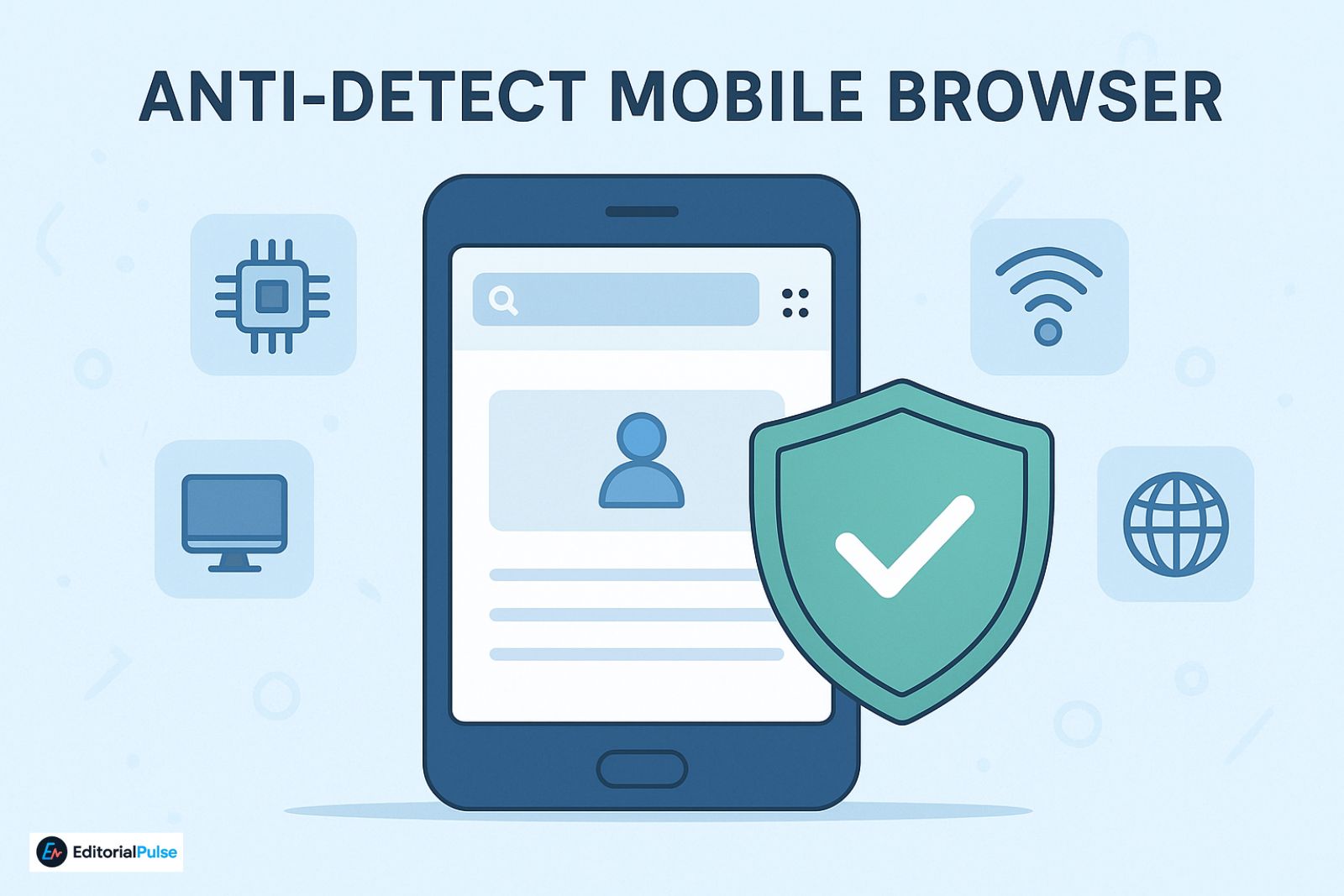
An anti detect mobile browser is a tool designed to isolate and preserve unique mobile device fingerprints, allowing multiple accounts to operate without being linked.
Unlike standard mobile browsers (Chrome, Safari, Brave, Orion), true antidetect solutions control or stabilize identifiers such as:
- Device model and OS version
- Screen resolution, GPU, and rendering behavior
- WebGL, Canvas, and AudioContext fingerprints
- Timezone, language, and geolocation consistency
- IP behavior and long-term proxy binding
- App-level identifiers (on real Android environments)
The objective is not randomness.
The objective is persistent normality—each account appears to belong to a single, stable, long-term device.
Why Mobile Fingerprinting Is Different From Desktop
Mobile platforms expose more stable and harder-to-spoof identifiers than desktop browsers.
Key differences include:
- Hardware-accelerated rendering tied to specific GPUs
- Sensor APIs (gyroscope, accelerometer, motion patterns)
- OS-level constraints on spoofing system values
- App SDK telemetry that bypasses the browser entirely
This is why true mobile antidetect solutions are rarer, more complex, and more expensive than desktop equivalents—and why many “mobile” tools fail under real enforcement.
Desktop Mobile Emulation vs Real Mobile Antidetect
This distinction is where most guides—and most users—get misled.
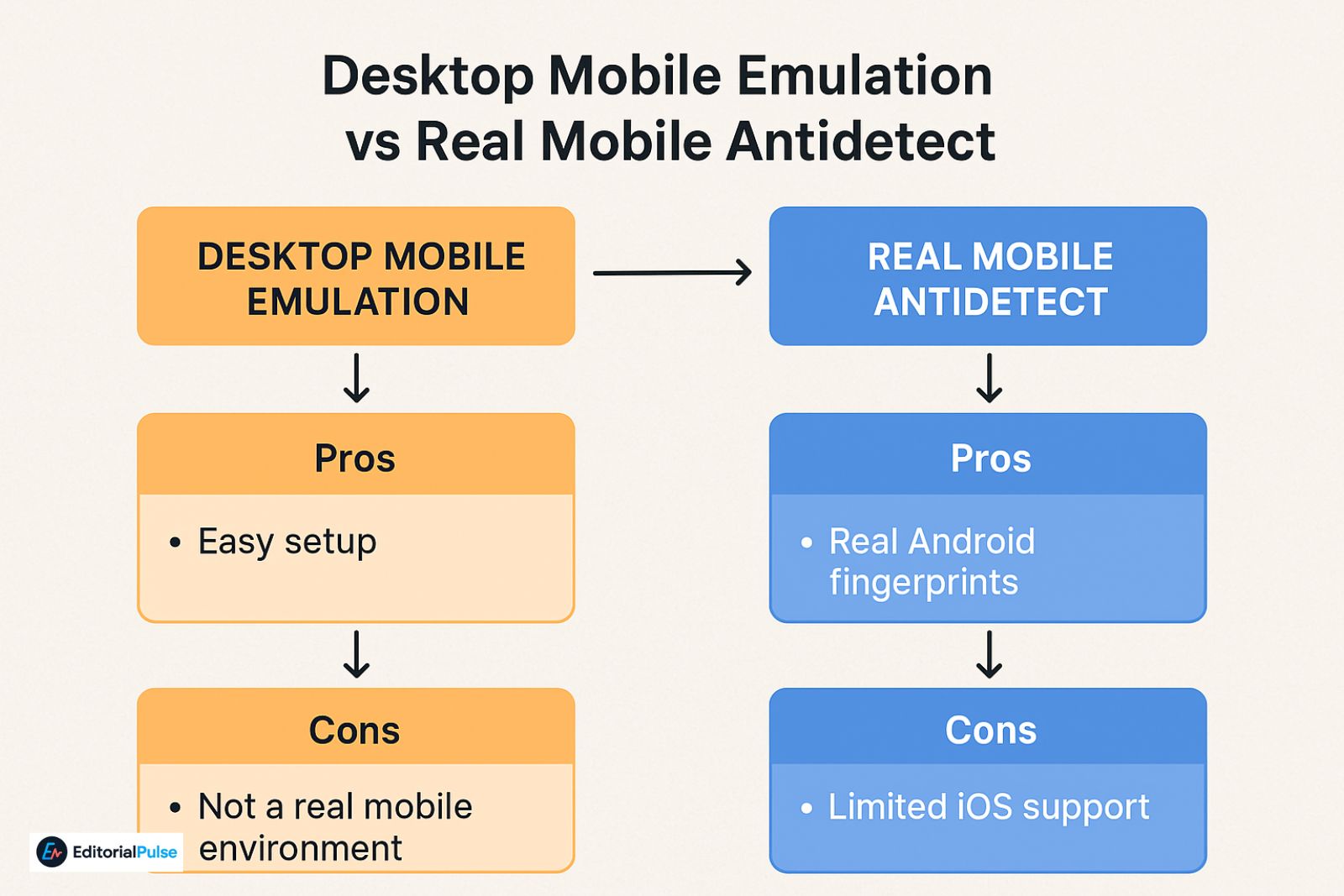
Desktop Antidetect With Mobile Emulation
Tools like Multilogin, GoLogin, and Octo Browser can simulate mobile browsers on desktop systems by modifying user agents and browser-level fingerprints.
Pros
- Easy setup
- Strong browser fingerprint control
- Automation-friendly
- Effective for web-only platforms
Cons
- Not a real mobile environment
- Cannot pass app-level or SDK checks
- Weak against TikTok, Instagram, Meta Ads, and Google Ads mobile signals
Real Mobile Antidetect (Android-Based)
True mobile antidetect operates inside actual Android environments, often virtualized or cloud-hosted.
Pros
- Real Android fingerprints
- Works with both apps and mobile web
- Significantly harder to detect
Cons
- Limited iOS support
- Higher cost
- Steeper learning curve
Rule of thumb:
If the platform relies on mobile apps or SDK-level signals, desktop emulation is insufficient.
How Anti Detect Mobile Browsers Actually Work
A realistic antidetect setup rests on four pillars:
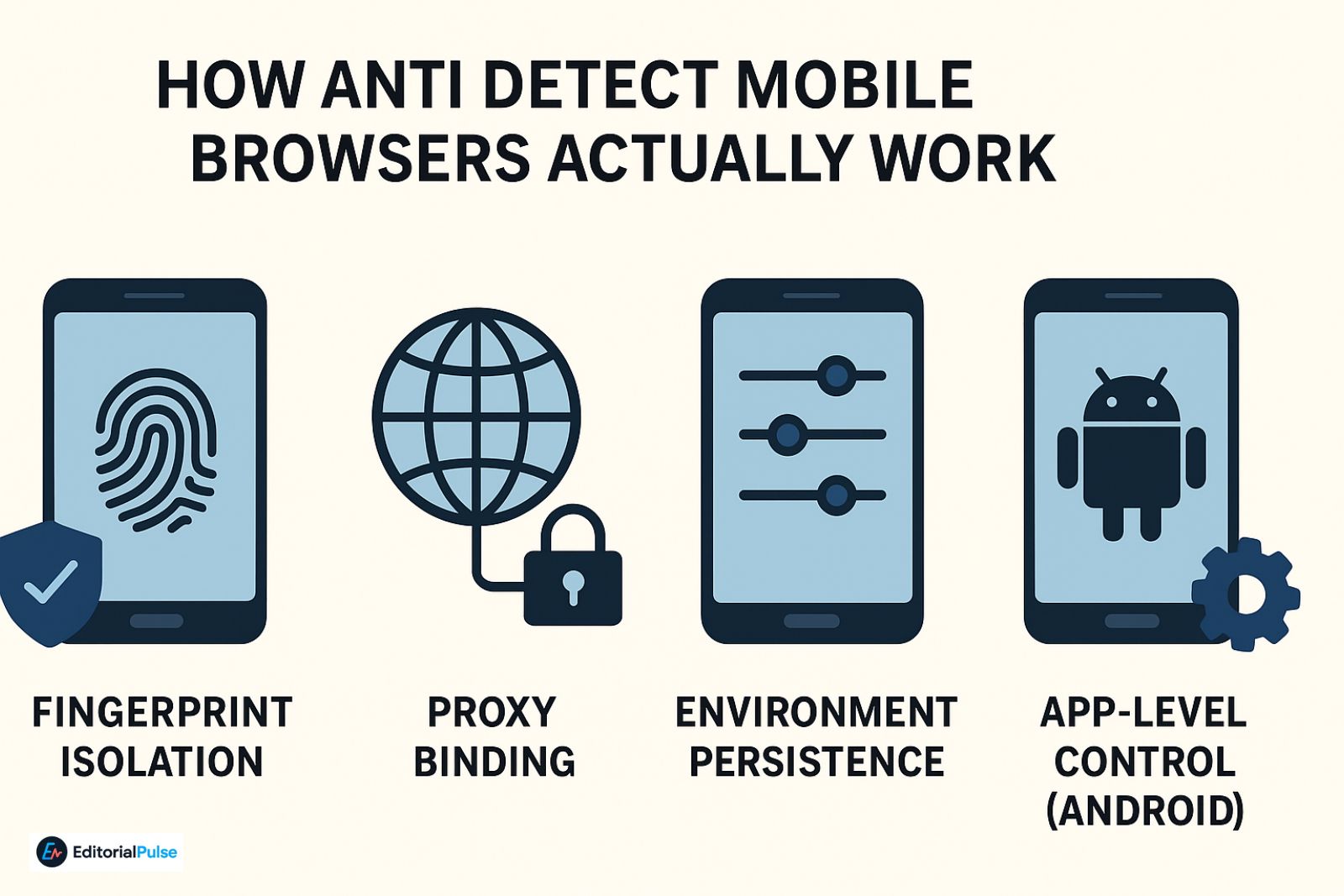
- Fingerprint Isolation
Each profile runs with a unique, persistent device identity. No shared storage, no cross-profile leakage.
- Proxy Binding
Every profile is permanently paired with a single IP source:
- Mobile proxies
- Residential proxies
- ISP proxies (preferred for long-term stability)
- Environment Persistence
A real solution preserves:
- Device parameters
- OS behavior
- Sensor output
across sessions and reboots.
- App-Level Control (Android)
Advanced platforms allow:
- Separate Google Play Services IDs
- App sandboxing
- GPS simulation
- Network stack isolation
This is where most tools fail—and where real Android environments succeed.
Best Anti Detect Mobile Browser Options (2025)
| Tool | True Mobile | Android | iOS | Best For |
| Kameleo Mobile | Yes | ✅ | ❌ | High-risk mobile accounts |
| GeeLark | Yes (Cloud Phones) | ✅ | ❌ | App automation & scaling |
| Multilogin | Emulation | ⚠️ | ⚠️ | Web-based workflows |
| GoLogin | Emulation | ⚠️ | ⚠️ | Budget testing |
| Octo Browser | Emulation | ⚠️ | ⚠️ | Ads & e-commerce |
Android vs iOS: The Reality in 2025
Android
The Android dominates real mobile antidetect because it allows:
- Device virtualization
- Hardware abstraction
- App-level isolation
This makes scalable, persistent mobile identities possible.
iOS
There is no publicly available solution in 2025 that provides reliable, scalable native iOS fingerprint control.
Apple’s restrictions on hardware identifiers, app sandboxing, and system integrity make this effectively impossible at scale.
What does work:
- Desktop antidetect with mobile emulation
- Remote Android devices
- Cloud phones accessed from an iPhone
Any service claiming full native iOS antidetect should be treated with skepticism.
Real-World Use Case: Social Media Scaling
Scenario:
A marketer manages 30 TikTok accounts for different brands.
What failed
- Physical iPhones + VPNs → bans within days
- Manual Android phones → expensive and operationally slow
What worked
- Cloud Android antidetect profiles
- One mobile proxy per account
- Stable, persistent fingerprints
Result:
Accounts aged safely, ad accounts approved, and zero cross-linking.
Also Check: Is Leaf Browser Safe? Real Version vs Clones vs Alpha Explained (2025 Guide)
Common Mistakes That Get Accounts Flagged
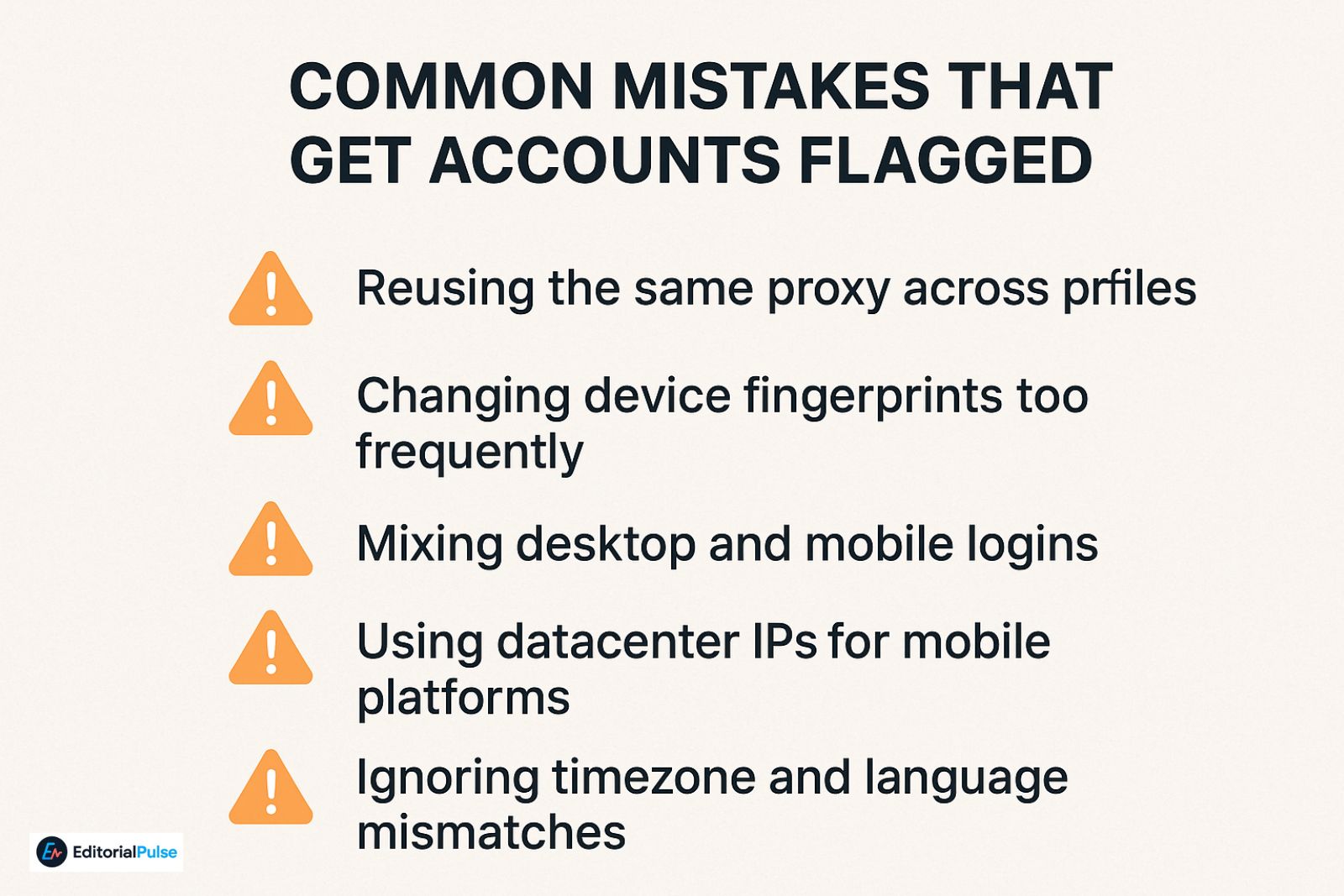
- Reusing the same proxy across profiles
- Changing device fingerprints too frequently
- Mixing desktop and mobile logins
- Using datacenter IPs for mobile platforms
- Ignoring timezone and language mismatches
Antidetect is about consistency—not chaos.
Who Should Not Use an Anti Detect Mobile Browser
This matters for trust.
You probably do not need antidetect if:
- You manage one or two personal accounts
- You do not reuse devices or IPs
- You don’t operate across brands, clients, or geographies
Antidetect tools are designed for scale, separation, and risk reduction—not casual use.
2025 Trends You Should Know
- Platforms increasingly cross-check app and web behavior
- Sensor and behavioral fingerprinting is expanding
- “Mobile-only” platforms punish emulation harder
- Cloud phone adoption continues to grow
- iOS remains tightly locked down
The gap between real mobile environments and emulation is widening, not shrinking.
Quick Checklist: Safe Mobile Antidetect Setup
- One profile = one device identity
- One profile = one long-term proxy
- Match timezone, language, and IP region
- Avoid switching between desktop and mobile
- Let accounts age naturally before scaling
This alone prevents most detection failures.
Step-by-Step: Choosing the Right Anti Detect Mobile Browser
- Using mobile apps? → You need real Android.
- Web-only platforms? → Desktop emulation may be sufficient.
- Scaling beyond 10 accounts? → Fingerprint persistence matters most.
- Automation required? → Confirm API and scripting support first.
FAQs
Q. What is the best anti detect mobile browser in 2025?
The best anti detect mobile browsers in 2025 for real mobile environments are Kameleo Mobile and GeeLark. These tools operate inside actual Android systems, providing persistent mobile fingerprints. Desktop antidetect browsers only emulate mobile behavior and are significantly weaker for app-based platforms like TikTok, Instagram, and Meta Ads.
Q. Is there a free anti detect mobile browser?
No, there is no true free anti detect mobile browser. Free tools lack fingerprint persistence, proper isolation, and long-term consistency, which leads to rapid detection and account bans when managing multiple accounts at scale.
Q. Can I use an anti detect mobile browser on Android?
Yes. Android currently offers the only viable path to real mobile antidetect. Android-based solutions use virtualization or cloud phones to isolate device fingerprints, control app-level identifiers, and safely manage multiple mobile accounts.
Q.Does an anti detect mobile browser work on iPhone (iOS)?
Not natively. Due to Apple’s system restrictions, iOS does not allow reliable or scalable fingerprint control. Most iOS workflows rely on desktop mobile emulation or remote Android cloud phones, rather than true iPhone antidetect environments.
Q.Are anti detect mobile browsers legal to use?
Yes. Anti detect mobile browsers are legal software tools. However, how they are used may violate the terms of service of specific platforms. Compliance depends on platform rules and local regulations, not on the tool itself.
Q. Do I still need proxies with an anti detect mobile browser?
Yes. Proxies are required. Fingerprint isolation without proper IP hygiene still results in account linking. Each mobile profile should use a dedicated mobile, residential, or ISP proxy to maintain long-term account stability.
Q. Why do mobile platforms detect accounts even with VPNs or incognito mode?
VPNs and incognito mode only affect network routing or session data. Mobile platforms primarily track device fingerprints, sensors, OS behavior, and app SDK signals, which these tools do not change.
Q. What is the difference between mobile emulation and real mobile antidetect?
Mobile emulation changes browser-level identifiers on desktop systems. Real mobile antidetect uses actual Android environments with persistent device fingerprints and app-level isolation, making it far more resistant to detection.
Conclusion
An anti detect mobile browser is effectively mandatory for serious mobile account management at scale in 2025. However, not all solutions are equal—and many tools marketed as “mobile” are desktop browsers in disguise.
If your workflow depends on mobile apps, Android-based antidetect or cloud phones are the only reliable path. For web-only tasks, high-quality desktop antidetect browsers can still work—when configured correctly.
The right choice isn’t about price or popularity.
It’s about how platforms actually detect users today.
Related: What Is Wave Browser & Why You Should Remove It Now
| Disclaimer: This article is for informational and educational purposes only. We are not affiliated with, endorsed by, or partnered with any software providers mentioned. Use of anti-detect tools may be subject to platform terms of service and local regulations. Readers are responsible for ensuring compliance with applicable rules and laws. |