If you’ve been trying to understand what the Prisma Access Browser actually is—beyond the marketing speak—you’re not alone. In 2025, enterprise security teams face new challenges: employees using unmanaged devices, contractors accessing sensitive apps, and corporate data leaking through ordinary browsers like Chrome or Edge.
Palo Alto Networks built the Prisma Access Browser to solve exactly that problem.
This guide explains—in simple, actionable terms—what the Prisma Access Browser is, how it works, key features, pricing, deployment steps, and how it compares to competitors like Island. You’ll also get frameworks, real-world examples, a competitor comparison table and mistakes to avoid. Lets dive in.
What Is the Prisma Access Browser?
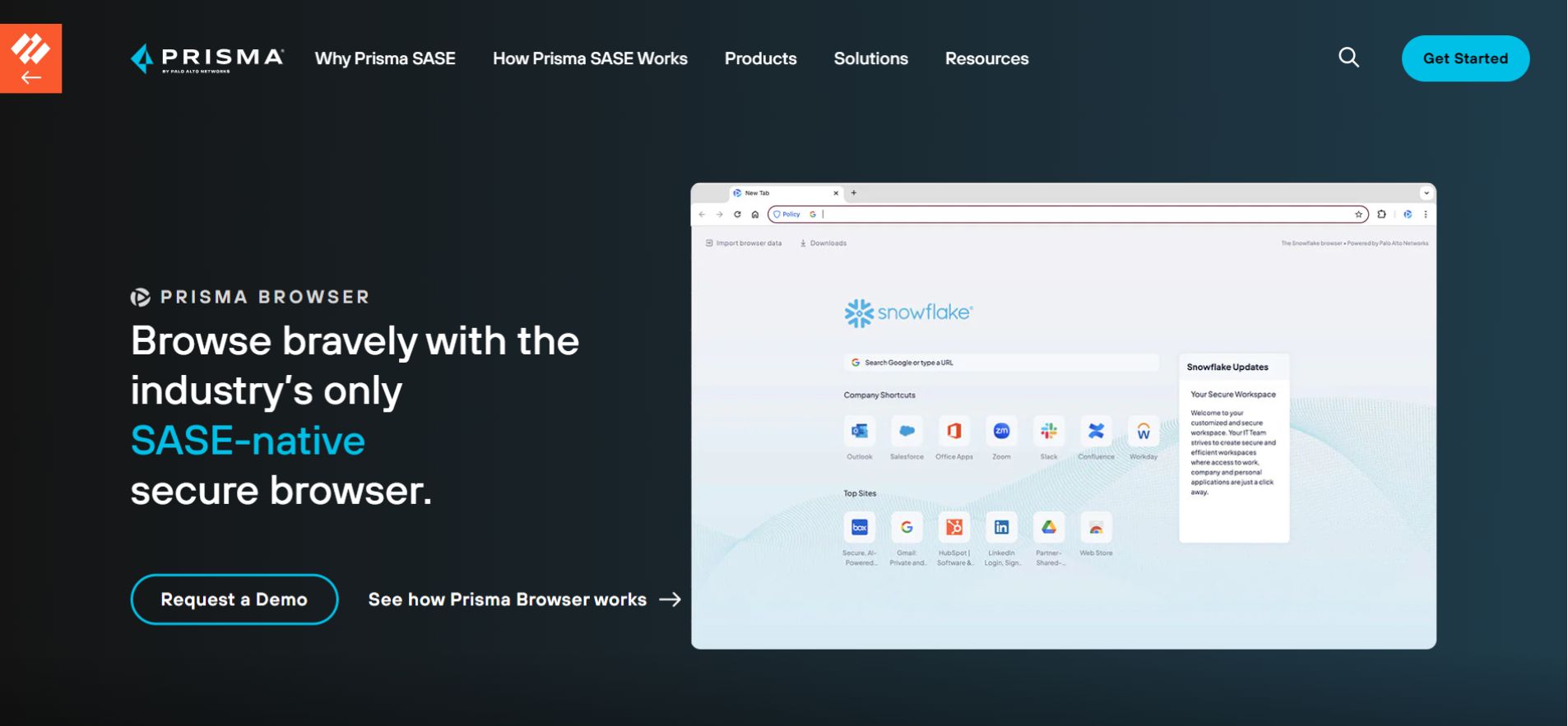
The Prisma Access Browser is Palo Alto Networks’ secure, enterprise-grade browser designed for organizations that want tighter control over how users access apps, SaaS, and internal systems—especially from BYOD or unmanaged devices.
It is essentially the rebranded Talon Enterprise Browser, now fully integrated into the Prisma SASE platform.
Think of it as:
“A Zero-Trust browser that replaces VPNs for SaaS apps, removes local data exposure, and gives admins full visibility and control.”
It includes:
- Built-in DLP
- Zero-trust access policies
- Inline threat prevention
- Web filtering
- Activity monitoring
- No local data storage
- Policy enforcement via Prisma Access cloud
It looks like a regular browser but behaves like a fully controlled enterprise environment.
Why Organizations Need an Enterprise Browser in 2025
Three major trends make enterprise browsers essential:
- BYOD Is the Default
Contractors, part-time staff, and vendors often use their own devices. VPNs and MDM no longer fully protect data. - Remote & Hybrid Work Requires Browser-Based Security
Traditional firewalls are ineffective when users work from cafes, hotels, or personal devices. - SaaS Dominates Corporate Workflows
Most sensitive data lives in SaaS platforms like Salesforce, HubSpot, Jira, and internal portals. Controlling access at the browser level is now critical.
How the Prisma Access Browser Works
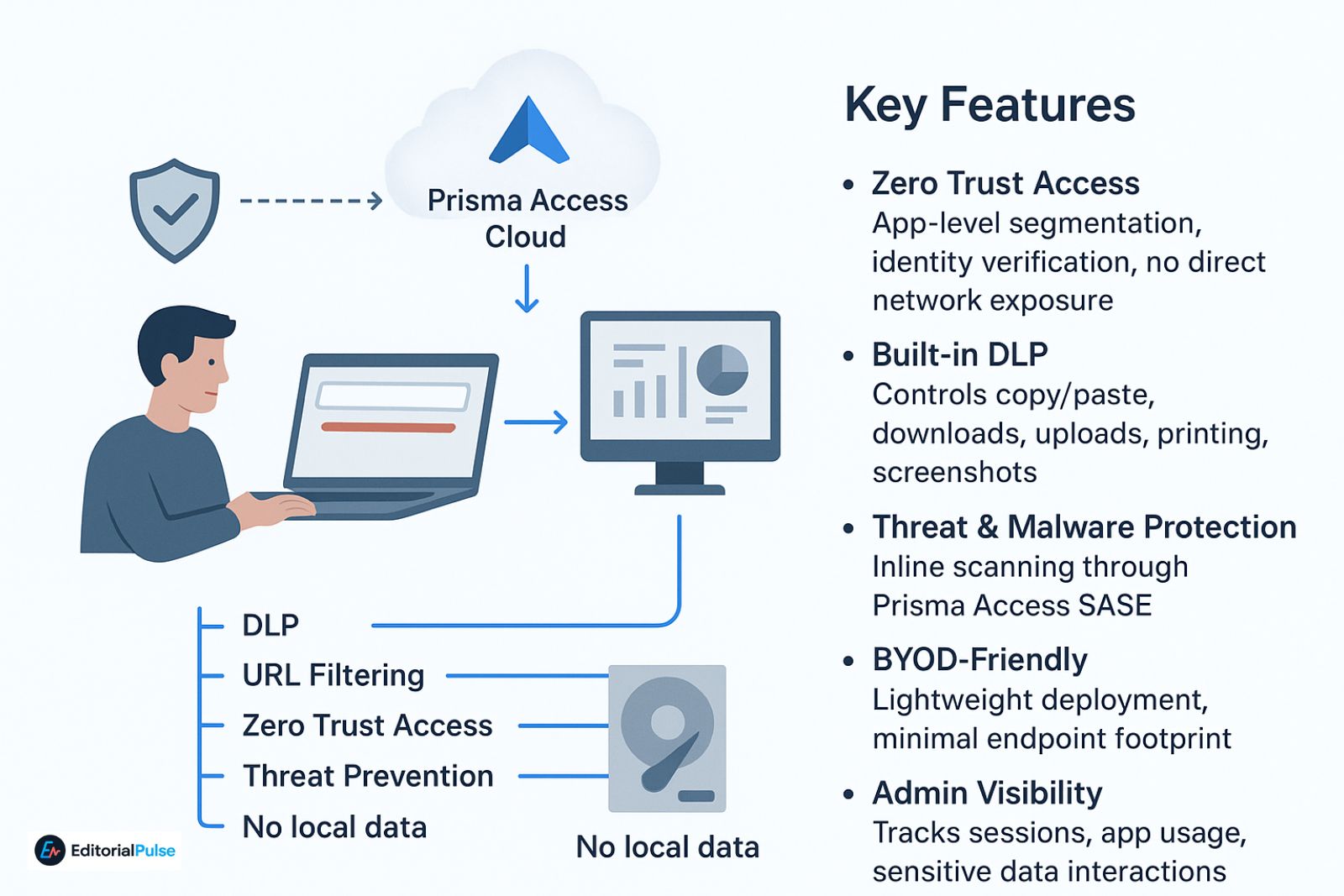
Here’s the workflow simplified:
- User logs in via corporate identity (Okta, Azure AD, Google Workspace).
- Browser connects to Prisma Access Cloud instead of the public internet.
- All traffic passes through:
- DLP
- URL Filtering
- Zero Trust Access
- Threat Prevention
- No data is stored locally unless permitted.
- Admins monitor usage from the Prisma Access Dashboard.
This approach delivers browser-level security with global cloud enforcement.
Key Features (2025 Updated)
- Zero Trust Access: App-level segmentation, identity verification, no direct network exposure.
- Built-in DLP: Controls copy/paste, downloads, uploads, printing, screenshots.
- Threat & Malware Protection: Inline scanning through Prisma Access SASE.
- BYOD-Friendly: Lightweight deployment, minimal endpoint footprint.
- Admin Visibility: Tracks sessions, app usage, sensitive data interactions.
- Seamless Integration: Works with Prisma SASE for unified security policies.
Prisma Access Browser Architecture
Flow:
User → Prisma Access Browser → Prisma Access Cloud → Apps/SaaS/Internet
Prisma Access Cloud includes:
- SWG (Secure Web Gateway)
- ZTNA (Zero Trust Network Access)
- Firewall policies
- DLP
- Threat Prevention
- CASB
- Logging / Monitoring
This cloud-first architecture is what separates Prisma Access Browser from standalone enterprise browsers.
Pricing (2025 Estimates)
Palo Alto Networks does not publish public pricing. Industry sources estimate:
- Per-User Annual License
- $10–$20 per user/month
- Depends on number of users, add-ons (DLP, CASB), and contract length
- Total Cost of Ownership (TCO)
Includes:
- Licensing
- SASE subscription
- Support
- Setup/implementation
Estimated TCO: $12–$26 per user/month (all-in).
- Cost Factors
- BYOD-only deployments → cheaper
- Full workforce deployments → higher
- Advanced DLP → adds cost
- Highly regulated industries → higher tiers
Download & Deployment
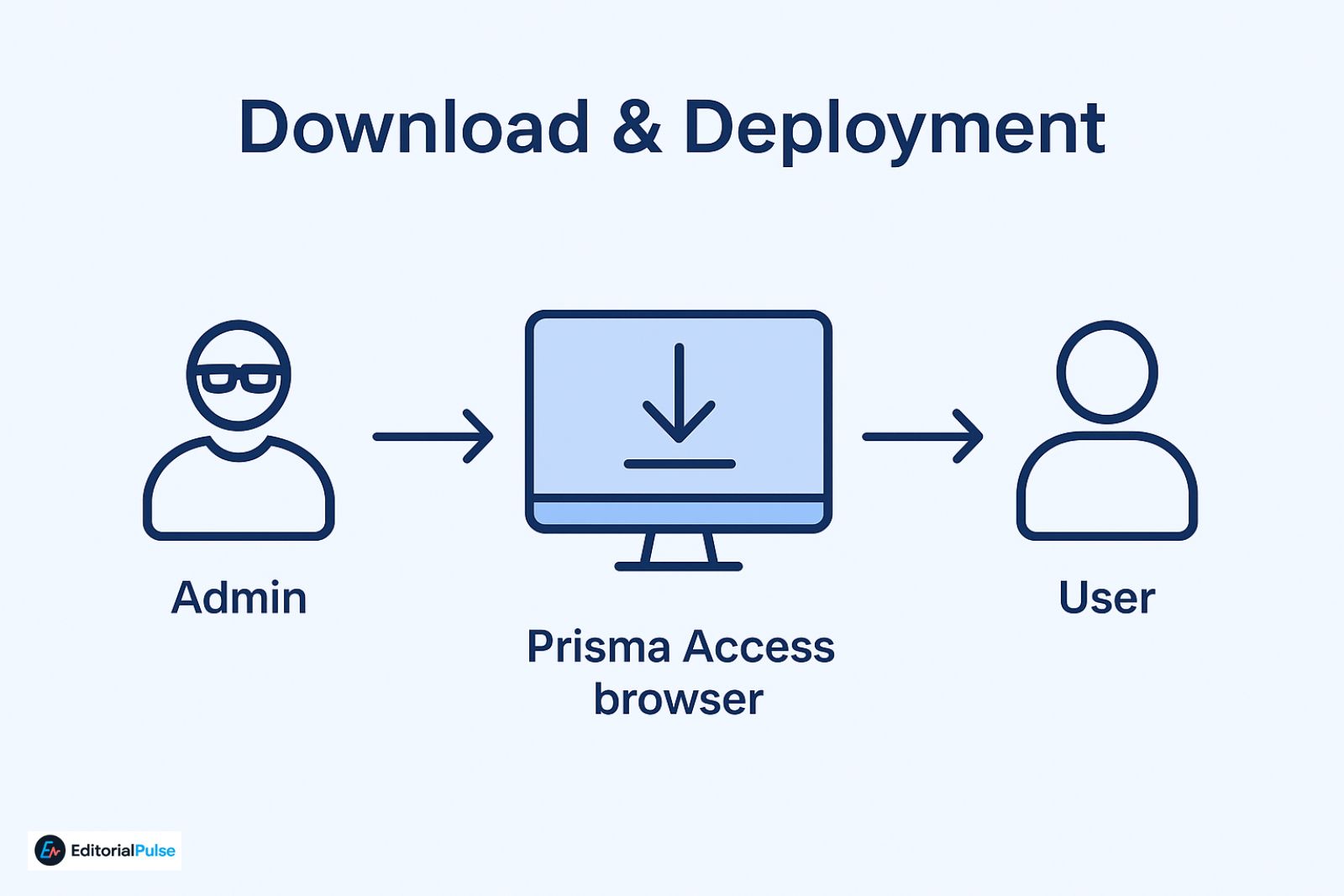
- Not publicly downloadable — only enterprise admins can provide access.
- Users must be part of a licensed Prisma Access deployment.
- Admins distribute via Prisma Access console or managed installer.
There is no public APK or consumer version.
Who Should Use Prisma Access Browser?
This browser is Ideal for:
- Companies with contractors
- Teams using SaaS apps heavily
- Distributed or hybrid teams
- Financial services, healthcare
- Security-first organizations
- BYOD-heavy environments
Competitor Comparison (2025 Corrected)
Palo Alto Networks acquired Talon, so:
- Prisma Access Browser = Talon Browser (integrated with Prisma SASE)
- Island Browser remains the standalone enterprise competitor
| Feature | Prisma Access Browser | Island Browser | Chrome/Edge Enterprise |
| Zero Trust Access | ✔ Integrated with SASE | ✔ Standalone | Partial |
| DLP | ✔ Cloud-delivered | ✔ Local enforcement | Limited |
| Threat Prevention | ✔ Global cloud | Limited | Basic |
| BYOD Support | Excellent | Good | Moderate |
| Download Control | Granular | Granular | Limited |
| Admin Visibility | Full via SASE | Partial | Moderate |
| Ideal For | Prisma Access customers | Standalone security | Google ecosystem |
| Offline Mode | Limited | Yes | Yes |
Takeaway:
Prisma Access Browser is strongest for organizations leveraging Prisma SASE, while Island remains the go-to for standalone deployments.
S.E.C.U.R.E. Browser Evaluation Framework (Unique Insight)
- S – Security Controls: DLP, Threat Prevention, ZTNA
- E – Endpoint Independence: Works on BYOD without heavy agents
- C – Control Level: Granular policy enforcement
- U – User Experience: Browser feels familiar while enforcing policies
- R – Risk Reduction: Prevents leaks, data theft, misconfigurations
- E – Enterprise Fit: Fully integrates with SASE, IDP, SIEM
Prisma Access Browser scores high across all dimensions for SASE-aligned organizations.
Real-World Example
A 400-employee SaaS company with 80 quarterly contractors faced:
- Data leakage via personal laptops
- Screenshots of internal dashboards
- VPN inconsistencies
After deploying Prisma Access Browser:
- No local data storage
- Copy/paste restricted
- Contractors isolated from internal network
- Logged all access
- DLP violations dropped 72% in 60 days
Common Mistakes
- Treating it like a normal browser
- Expecting it to replace Chrome entirely
- Over-restricting permissions → hurts productivity
- Poor user onboarding → confusion
Checklist: Is It Right for You?
✅ Remote users
✅ BYOD environment
✅ Heavy SaaS usage
✅ DLP required
✅ Already on Prisma Access
✅ Need browser-level control
4+ ticks → strong fit.
FAQs
Q. What is Prisma Access Browser?
The Prisma Access Browser is a secure enterprise browser from Palo Alto Networks, built on Prisma SASE. It enforces Zero Trust access, DLP (data loss prevention), and threat protection, giving organizations full control over browser-based workflows on BYOD or unmanaged devices.
Q. Is Prisma Access Browser safe?
Yes. All user traffic routes through the Prisma Access cloud, where it is scanned for malware, risky URLs, and data leaks. The browser prevents sensitive data from being stored locally, making it a safe option for enterprise SaaS and internal applications.
Q. How do I download Prisma Access Browser?
The Prisma Access Browser is not publicly downloadable. Enterprises must deploy it via their Prisma Access admin console, ensuring each user has proper licensing and access. Only IT admins can provide the installation or secure login links.
Q. How much does Prisma Access Browser cost?
Pricing typically ranges between $10–$20 per user/month, depending on contract length, add-ons like DLP, and total user count. Total cost of ownership (TCO) includes licensing, Prisma SASE subscription, support, and deployment setup.
Q. Is Prisma Access Browser better than VPNs?
For browser-based SaaS access, yes. Unlike traditional VPNs, Prisma Access Browser provides granular Zero Trust policies, data protection, and inline threat prevention, reducing network exposure while giving admins complete visibility into user activity.
Q. Is there a mobile version of Prisma Access Browser?
Yes. The mobile version depends on your organization’s Prisma Access configuration. It allows secure browser access from smartphones or tablets, extending Zero Trust and DLP policies to mobile users.
Q. Is Prisma Access Browser private?
The browser protects users from external tracking and web threats, but activity is visible to admins for security and compliance. Sensitive data is not stored locally unless allowed, ensuring enterprise-grade privacy controls while maintaining oversight.
Bottom Line
The Prisma Access Browser is now the Talon Browser reimagined for the Prisma SASE ecosystem. It prevents data leaks, enforces Zero Trust, and gives admins full visibility without heavy endpoint agents. For 2025, any organization already using or planning Prisma Access should consider it seriously, while Island remains the main choice for standalone deployments.
Related: Orion web Browser Review 2025: Is It Finally Better Than Chrome & Safari?