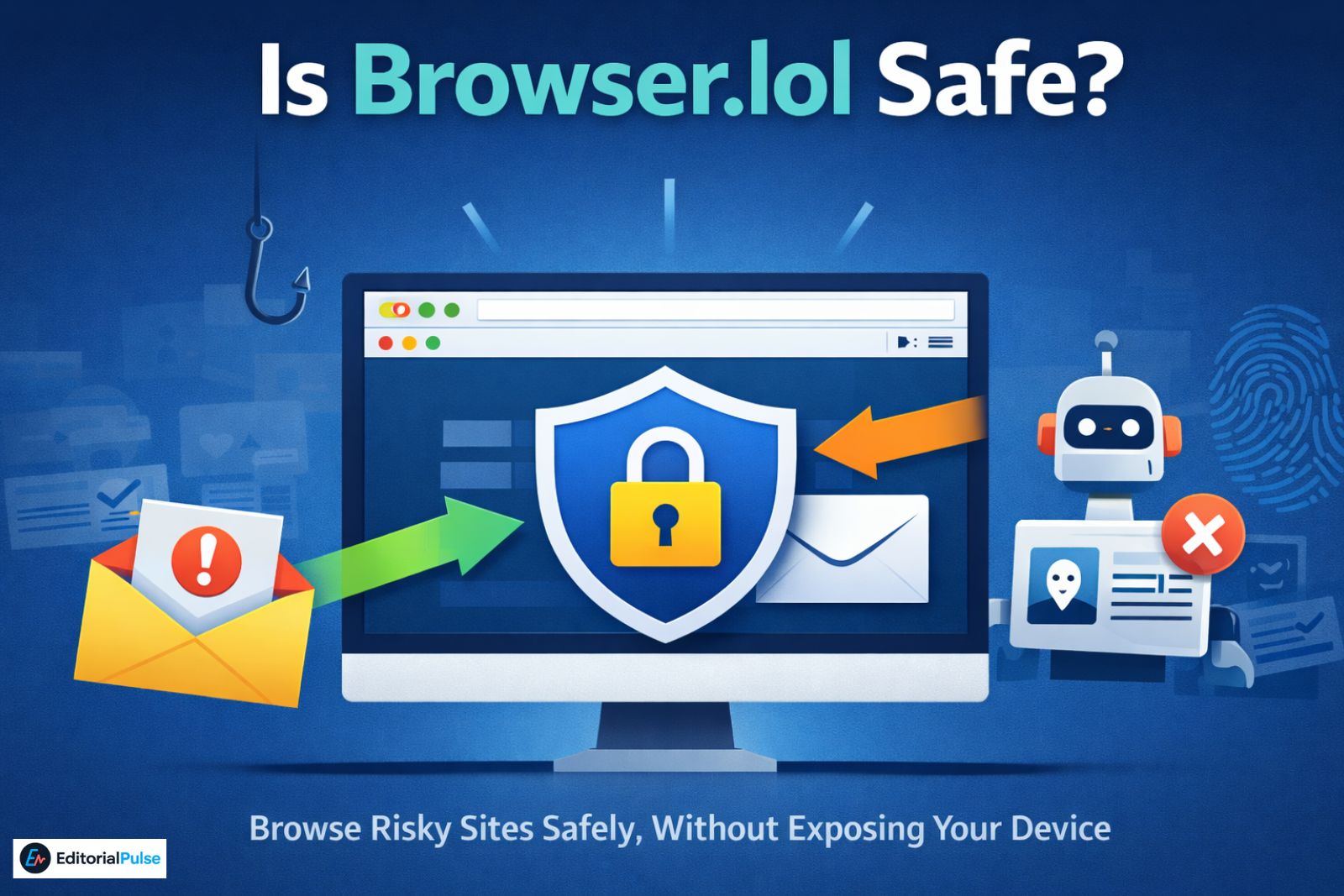
If you’ve ever needed to open a suspicious link, inspect an unfamiliar website, or browse without exposing your main system, you may have come across browser lol (also written as browser.lol).
At first glance, it sounds almost too simple: a browser that runs inside another browser, no installation required. But that simplicity raises fair questions — is browser.lol safe, what does it actually protect you from, and when should you avoid it entirely?
In 2025, these questions matter more than ever. Phishing campaigns are no longer crude; many now originate from AI-generated emails and messages that look legitimate at first glance. As a result, more users rely on cloud browsers like browser.lol to safely inspect links before trusting them.
Why trust this guide?
This explanation is based on how remote browser isolation tools are actually used in security, testing, and phishing analysis — not on marketing claims or affiliate incentives.
This guide explains:
-
What browser lol really is (and what it isn’t)
-
Whether it is safe in real-world use
-
Its privacy, speed, and security trade-offs
-
When alternatives make more sense
Who Browser.lol Is (and Is Not) For
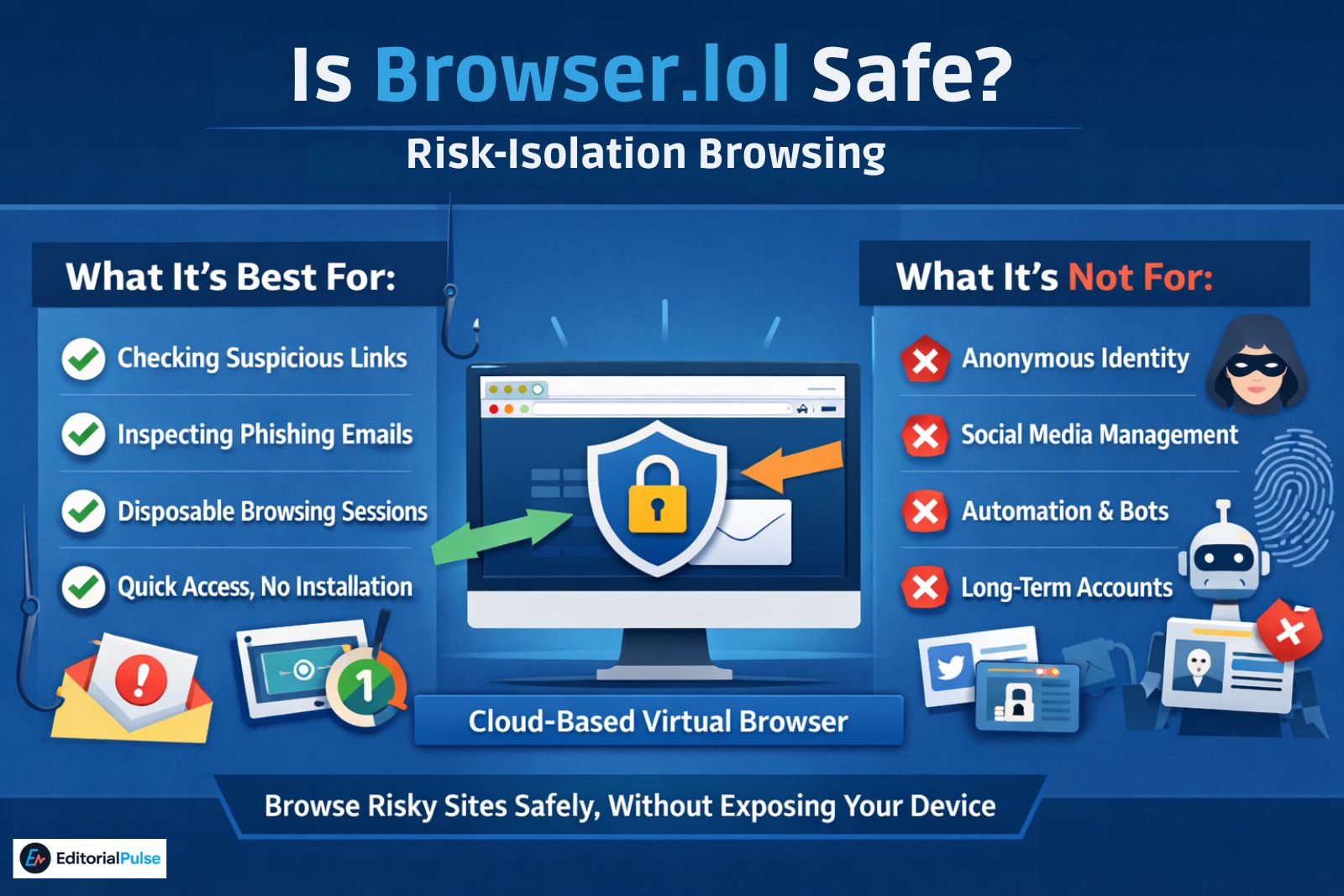
This browser is best for:
✔ Risk isolation
✔ Suspicious or AI-generated phishing link inspection
✔ Disposable browsing sessions
✔ Quick access without installing software
This browser is NOT for:
✖ Anonymous identity or anti-tracking guarantees
✖ Multi-account or social media farming
✖ Automation or fingerprint spoofing
This distinction alone prevents most misuse.
Browsing Goals vs. Tool Type
Use this table to quickly identify which tool actually fits your goal. Many users choose the wrong product simply because this distinction isn’t made clear.
| If your goal is… | Recommended tool |
|---|---|
| Checking a suspicious or phishing link | Browser.lol |
| Professional web QA or debugging | Browserling |
| Managing many social media accounts | AdsPower or GoLogin |
| Enterprise-grade RBI security | Authentic8 Silo |
Browser.lol belongs in the risk-isolation category, not identity management or automation.
What Is Browser LOL?
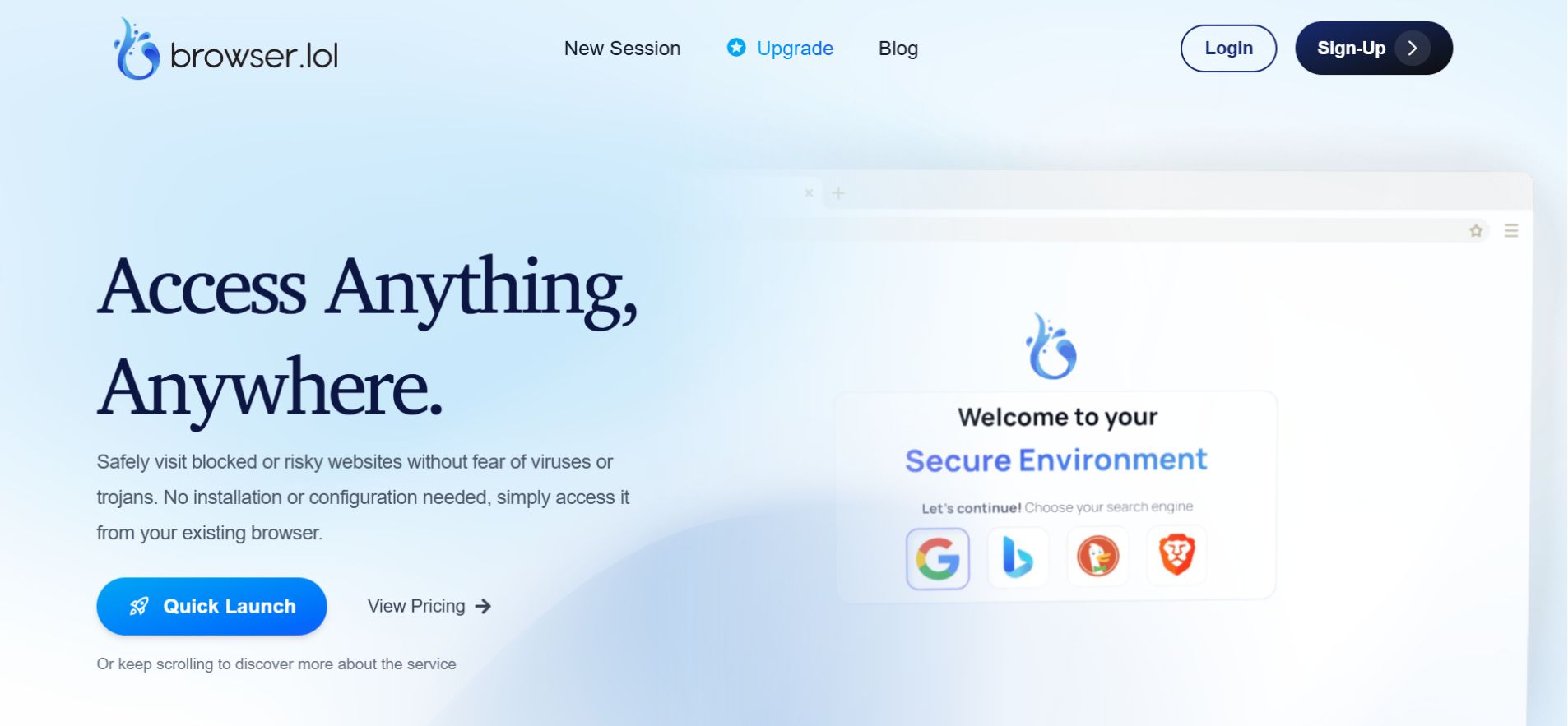
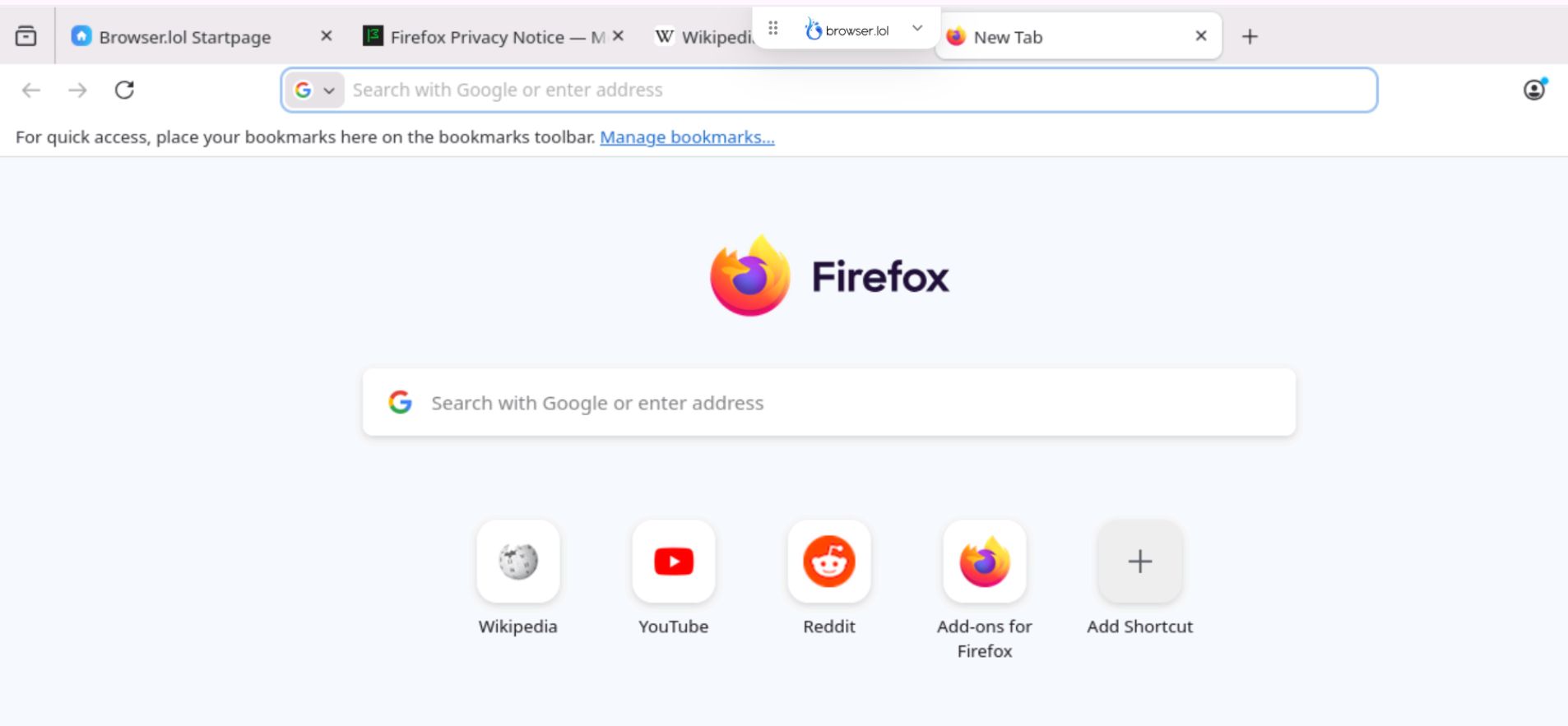
Browser.lol is a lightweight, web-based virtual browser that runs on a remote server instead of your local device.
You access it through a standard browser, but websites execute elsewhere. Your device only receives a streamed session view.
Technically, this follows the principles of Remote Browser Isolation (RBI) — a security model widely used in enterprise environments to prevent malicious web content from interacting with local systems.
In practical terms, this web based virtual browser functions as:
-
A browser inside a browser
-
A simplified cloud browser
-
A disposable browsing environment that resets after use
How Browser LOL Works (Plain English)
-
You open browser.lol
-
A cloud browser session launches
-
Websites load and execute on a remote server
-
You interact with the session in real time
-
When you close it, the environment is discarded
Nothing runs directly on your operating system.
For comparison, you can also explore other virtual browsing tools like Octo Browser or Kameleo Browser for more specialized use cases.
Why People Use Browser LOL in 2025
This web based virtual browser is typically used when uncertainty or risk is involved.
Common Use Cases
-
Checking suspicious or shortened links
-
Inspecting links from AI-generated emails
-
Visiting unfamiliar websites safely
-
Disposable browsing without cookies or history
-
Quick testing on locked-down devices
What It’s Not Designed For
-
Persistent browser profiles
-
Long-term account usage
-
Identity protection or anonymity
-
Automation workflows
Is Browser LOL Safe?
Short answer: Yes — for its intended purpose.
Long answer: It depends on how you define safety.
What Browser LOL Protects You From
Because browsing happens on a remote server, it helps protect your local device from:
-
Drive-by malware
-
Malicious JavaScript execution
-
Exploit kits targeting browsers
-
Accidental file downloads
If something malicious occurs, it stays contained within the session.
What Browser LOL Does Not Protect You From
Browser.lol does not:
-
Make you anonymous
-
Prevent account-level tracking if you log in
-
Replace VPNs, Tor, or identity tools
-
Guarantee zero logging
Rule of thumb: This web based virtual browser isolates risk — it does not hide identity.
A Note on the Clipboard: While Browser.lol isolates the website’s code from your files, your clipboard acts as a bridge. If you copy-paste sensitive text (like a password or personal ID) from your local computer into the virtual session, that data is no longer isolated—it has effectively been “sent” to the remote environment.
Browser LOL and Data Privacy (Swiss Protection Explained)
Browser.lol states that it operates under Swiss data protection standards, with infrastructure primarily located in Germany.
What This Actually Means
-
Stronger privacy laws than many regions
-
GDPR-aligned compliance expectations
-
Higher legal thresholds for data access
What It Does Not Mean
-
Zero logging
-
Absolute anonymity
-
Immunity from legal cooperation
As with most cloud-based browsers, minimal operational logs may exist for performance monitoring and abuse prevention. This is standard industry practice.
Speed, Latency, and Performance Considerations (2025)
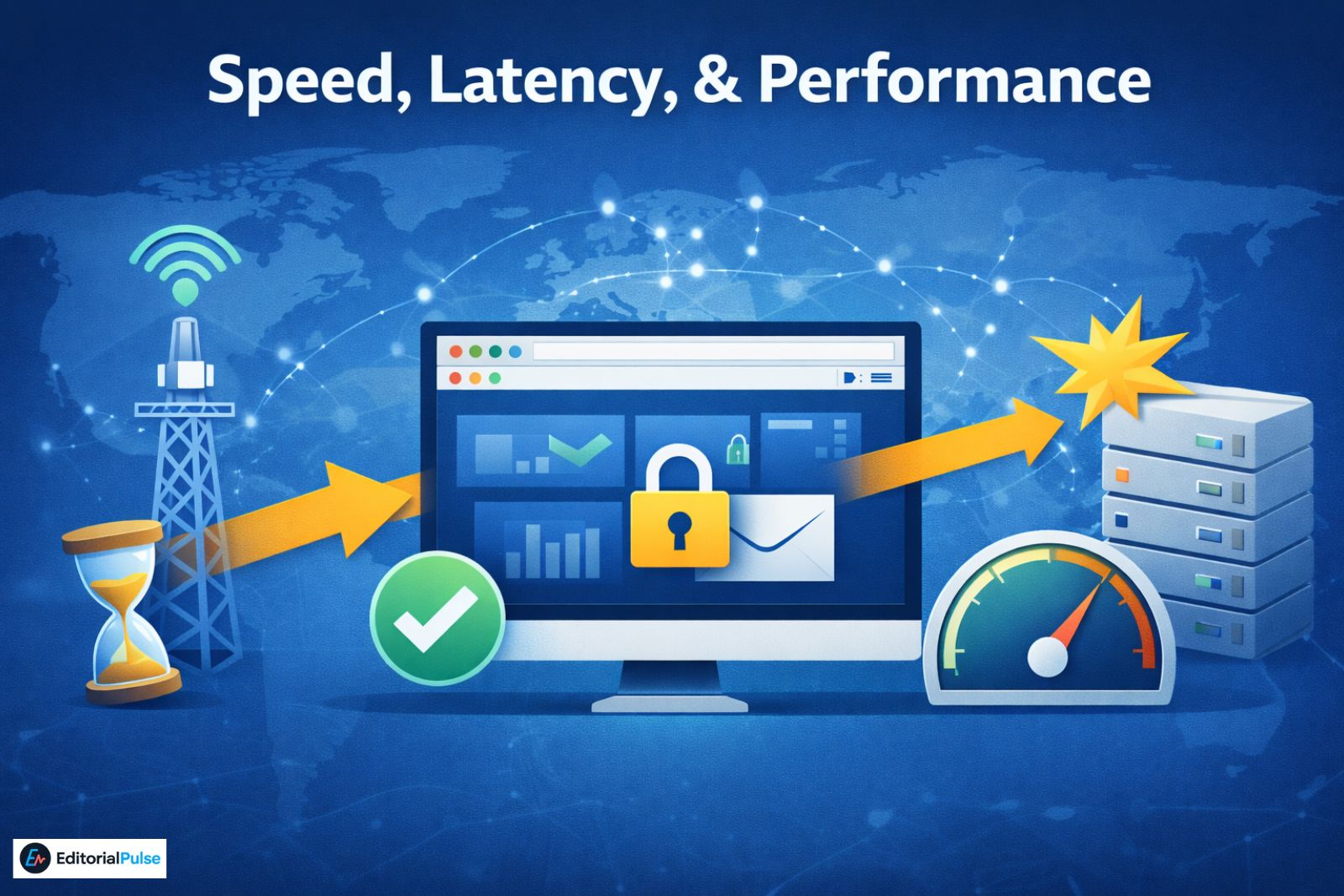
Performance is the most common concern with any web-based virtual browser.
What Affects Browser LOL Speed
-
Distance to servers (closer to Central Europe = lower latency)
-
Internet stability (consistency matters more than bandwidth)
-
Peak usage times
-
Task complexity
Realistic Expectations
✔ Link checking, reading, dashboards → smooth
✔ General browsing → acceptable
✖ Media-heavy apps, gaming → not ideal
Browser.lol prioritizes security and isolation, not raw speed.
Common Misconception
Misconception:
Browser.lol makes you anonymous.
Reality:
Browser.lol isolates web risk but does not replace VPNs, Tor, or identity-protection tools.
This misunderstanding causes most negative reviews.
Real-World Limitation Example
Some banking, streaming, or high-security websites may block browser.lol sessions entirely because they detect cloud-based or virtualized environments.
This isn’t a flaw — it’s an intentional security measure on those sites.
Browser LOL vs Alternatives (2025)
| Feature | Browser.lol | Browserling | AdsPower | Multilogin |
|---|---|---|---|---|
| Cloud-based | ✅ | ✅ | ❌ | ❌ |
| Disposable sessions | ✅ | ✅ | ❌ | ❌ |
| Persistent profiles | ❌ | ❌ | ✅ | ✅ |
| Multi-account tools | ❌ | ❌ | ✅ | ✅ |
| Install required | ❌ | ❌ | ✅ | ✅ |
Browser.lol belongs in the risk-isolation category, not identity management. Other specialized alternatives include Earls Browser, Shadow Browser, Hercules Browser, and Orion Web Browser.
Common Mistakes Users Make
-
Logging into sensitive personal accounts
-
Expecting anonymity
-
Using it for account farming
-
Treating it like a full virtual machine
2025 Trends in Virtual Browsing
-
Growth in AI-driven phishing analysis
-
Increased use of disposable browsing
-
Clear separation between sandbox browsers and identity tools
-
Greater scrutiny of privacy marketing claims
Browser.lol aligns well with these trends.
Quick Checklist: Should You Use Browser LOL?
Use it if you want to:
-
Inspect suspicious links
-
Avoid local system exposure
-
Browse without installation
-
Use a clean session instantly
Avoid it if you need:
-
Persistent accounts
-
Automation
-
Identity protection
-
Guaranteed anonymity
FAQs
Q.Is Browser.lol safe to use?
Yes. Browser.lol is safe for its intended purpose—opening suspicious links and browsing risky websites without exposing your local device. It works by running websites on a remote server, which prevents malicious scripts or downloads from directly affecting your system.
However, it is designed for risk isolation, not full security or anonymity.
Q. Is Browser.lol anonymous?
No. It does not provide true anonymity. While it reduces direct exposure to your device, it does not hide your identity in the way a VPN, Tor browser, or anti-fingerprinting tool would. If anonymity is your primary goal, Browser.lol is not the right tool.
Q. Can I log into accounts using Browser.lol?
You can, but it is not recommended—especially for sensitive or personal accounts such as email, banking, or social media. Browser.lol sessions are disposable and cloud-based, which makes them unsuitable for long-term account usage or identity-based browsing.
Q. Does Browser.lol store user data?
This browser uses temporary, disposable sessions, meaning browsing data is not persisted after the session ends.
That said, like most cloud-based services, minimal operational logs may exist for performance monitoring, abuse prevention, or legal compliance. This is standard practice across similar tools.
Q. Is Browser.lol free to use?
Yes. This virtual browser offers free access for basic browsing and link inspection. Advanced enterprise features—such as full RBI environments—are typically found in paid or corporate-grade alternatives.
Q. What is the best alternative to Browser.lol?
The best alternative depends on your goal:
-
For web testing and QA: Browserling
-
For managing multiple accounts: AdsPower or Multilogin
-
For enterprise security (RBI): Authentic8 Silo
It is best viewed as a lightweight risk-isolation tool, not a full browser replacement.
Q. What is Browser.lol best used for?
This browser is best for:
-
Checking suspicious or phishing links
-
Opening AI-generated email links safely
-
Disposable browsing without downloads
-
Quick access on locked-down or shared devices
It is not designed for anonymity, automation, or long-term account management.
Conclusion
Browser lol does exactly what it claims to do: provide safe, disposable browsing through a cloud-based virtual browser.
It won’t replace your daily browser or protect your identity — but for isolating risky sites, inspecting AI-generated phishing links, and keeping your local device clean, it’s a practical and reliable tool in 2025.
Used correctly, it is safe, useful, and easy to misunderstand — unless you know its limits.
Related: Top Unblocked Browsers for School, Work & Privacy (2025)
| Disclaimer: This article is for informational purposes only. Browser.lol is described based on publicly available information and practical use cases. We do not guarantee complete safety, anonymity, or performance. Users should exercise caution when accessing suspicious links or entering personal information. Always follow best practices for online security, and consider professional tools for sensitive or enterprise-level browsing. |