Cat Mario (Syobon Action) looks cute, but it’s one of the most brutal platformers ever made. If you’re searching for a Cat Mario browser version you can trust, you’re in the right place.
This guide shows you the safest sites to play, how to run Cat Mario on any device, the differences between versions, and the fixes for the most common issues.
What Is Cat Mario?
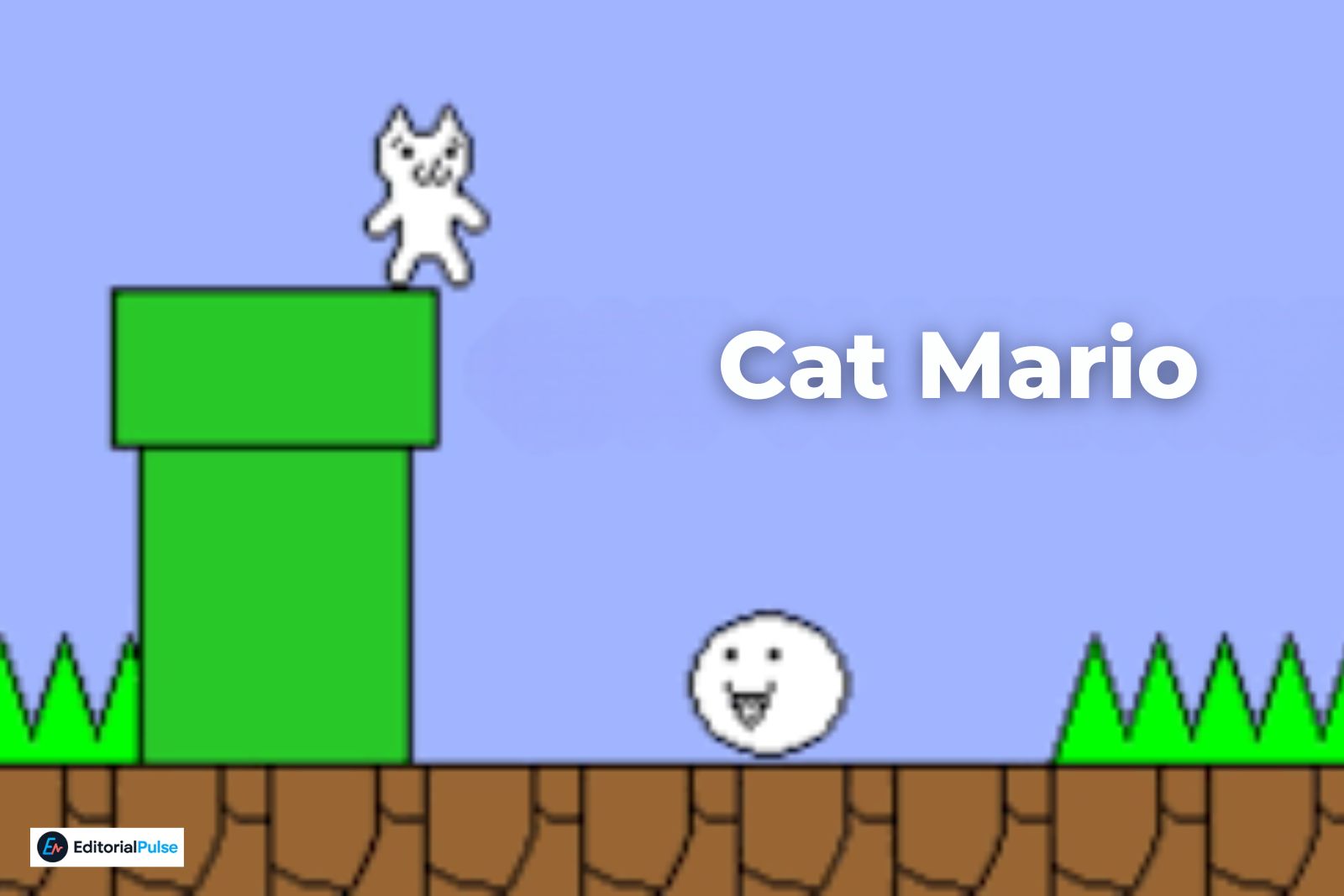
The Cat Mario browser version is an online HTML5 or JavaScript port of Syobon Action that lets you play the game instantly without downloading anything. Safe versions run directly in your browser, work on any device, and should never require extensions, installers, or APK files.
The challenge today is that many mirror sites host unsafe versions, fake download buttons, or outdated emulators. Choose the right site, and Cat Mario is completely safe to play.
Is the Cat Mario Browser Version Safe?
Yes—as long as you use a trusted HTML5 or JavaScript site. The game should run directly in your browser without requiring:
- Downloads
- APK files
- Extensions
- Installers
- Pop-up notifications
If a site asks for any of these, avoid it.
Safe sites use clean HTML5 ports, minimal ads, and no redirects. Unsafe sites often contain fake buttons, aggressive ads, or unauthorized APKs.
Best Safe Cat Mario Browser Sites (2025 Updated List)
Below are the safest and most stable Cat Mario browser versions available this year.
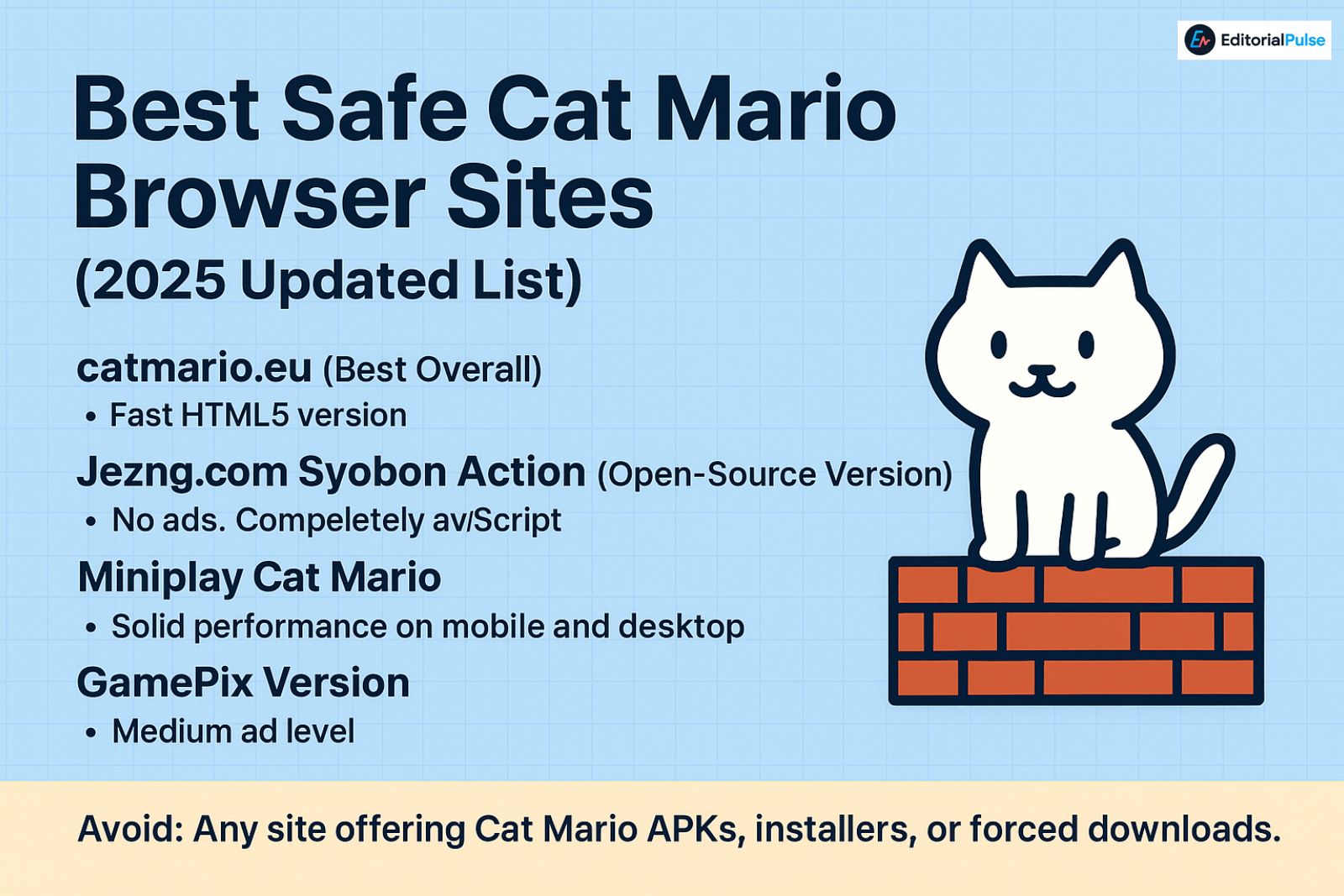
- catmario.eu (Best Overall)
- Fast HTML5 version
- Low ads
- Smooth controls
- Works on PC, Chromebook, and mobile
- Jezng.com Syobon Action (Open-Source Version)
- No ads
- Completely JavaScript-based
- Extremely clean and lightweight
- Often the fastest experience
- Popular gaming site
- Some ads
- Solid performance on mobile and desktop
- Great for mobile users
- Clean fullscreen mode
- Very stable
- Simple interface
- Medium ad level
- Kid-friendly design
Avoid:
Any site offering Cat Mario APKs, installers, or forced downloads. The real Cat Mario browser version never requires installation.
How to Play Cat Mario in Your Browser
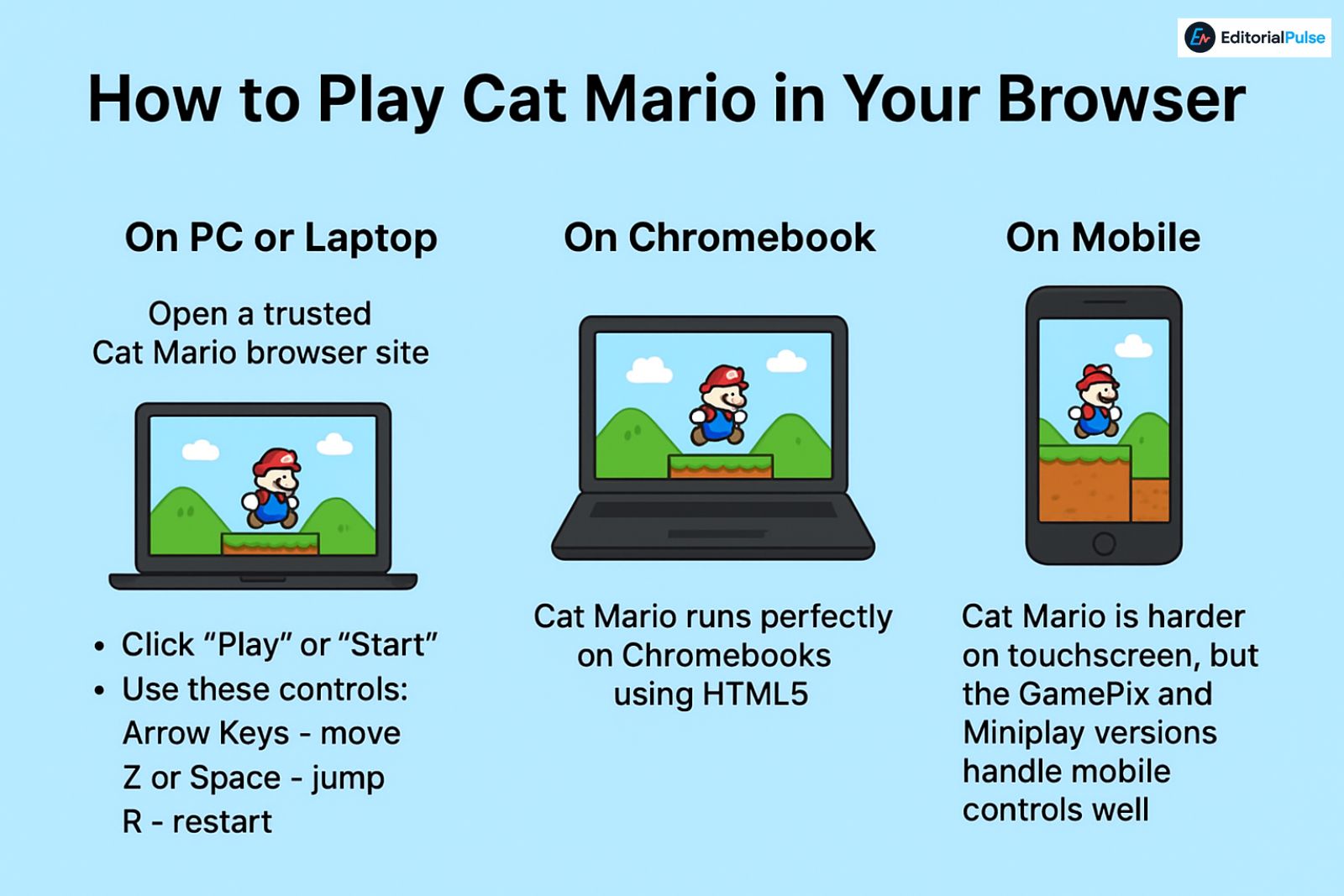
On PC or Laptop
- Open a trusted Cat Mario browser site.
- Click “Play” or “Start.”
- Use these controls:
- Arrow Keys – move
- Z or Space – jump
- R – restart
- For smoother gameplay, switch to fullscreen and close heavy background tabs.
On Chromebook
Cat Mario runs perfectly on Chromebooks using HTML5.
Tips:
- Use Jezng’s open-source JS version for best performance.
- If your school blocks gaming sites, GamePix or Miniplay may still load.
- No extensions are required.
On Mobile
Cat Mario is harder on touchscreen, but the GamePix and Miniplay versions handle mobile controls well.
Cat Mario vs Cat Mario 2 vs Syobon Action
Many players get confused because the names are used interchangeably. Here’s the clear breakdown:
| Version | Also Known As | Difficulty | Browser Support | Notes |
| Cat Mario (Original) | Syobon Action | Very hard | Yes | Classic parody platformer |
| Cat Mario 2 | Syobon Action 2 | Extremely hard | Yes | More traps, harder levels |
| Cat Mario 3D | Fan versions | Medium | Limited | Not official |
| Cat Mario Unblocked | School-friendly editions | Same game | Yes | Usually HTML5 mirrors |
Troubleshooting Common Cat Mario Browser Issues
- Lag or Slow Movement
- Switch to catmario.eu
- Close background tabs
- Disable unnecessary browser extensions
- Enable hardware acceleration
- Controls Not Responding
- Click inside the game area first
- Use fullscreen mode
- Try both Z and Space for jumping
- Game Freezes or Won’t Load
- Refresh the page
- Switch browsers (Chrome recommended)
- Try the open-source JS version
- Pop-Ups or Redirects Appear
Exit immediately — that site is not a legitimate Cat Mario browser host.
2025 Safety Checklist for Playing Cat Mario Online
Use a site only if it meets all these conditions:
- ✔ Runs in HTML5 or JavaScript
- ✔ No downloads required
- ✔ No “Install” or “Allow Notifications” prompts
- ✔ HTTPS website
- ✔ Minimal or no ads
- ✔ No redirects
- ✔ No APK links
This quick checklist is enough to stay completely safe.
Expert Tips for a Better Experience
- Use Chrome or Edge for the lowest input delay
- Play in fullscreen to avoid accidental tab clicks
- Lower your screen resolution if the game stutters
- Wear headphones—audio cues help with hidden traps
- For the cleanest version, try open-source Syobon Action ports
FAQs
Q. Is Cat Mario free to play online?
Yes. The Cat Mario browser version is completely free on all legitimate HTML5 and JavaScript sites. You should never have to download anything or pay to access the game.
Q. Is the Cat Mario browser version safe?
Yes—Cat Mario is safe to play as long as you use trusted HTML5/JS websites. Avoid any site that asks you to install software, download an APK, or allow suspicious notifications.
Q. Can you play Cat Mario on a Chromebook?
Absolutely. Cat Mario runs smoothly in ChromeOS because it’s browser-based. The cleanest experience comes from open-source JavaScript versions that load instantly without extensions.
Q. Is Syobon Action the same as Cat Mario?
Yes. Syobon Action is the original Japanese game, and “Cat Mario” is the widely used English nickname. Both terms refer to the same platformer.
Q. Does Cat Mario 2 exist?
Yes. Cat Mario 2—also known as Syobon Action 2—is a follow-up with even harder levels. Several safe browser versions are available online with no downloads required.
Q. Can I play Cat Mario on a mobile browser?
Yes, Cat Mario works on most mobile browsers. However, touch controls are less precise. Sites like GamePix and Miniplay offer mobile-friendly versions with smoother on-screen buttons.
Q. Is Cat Mario unblocked at school?
Often, yes. Unblocked browser versions are available on certain HTML5 gaming sites. If one version is blocked, switching domains usually works on school networks.
Q. Do I need to download anything to play Cat Mario?
No. A legitimate Cat Mario browser version never requires downloads, APKs, extensions, or installers. If a site asks for them, it’s not safe.
Conclusion
The Cat Mario browser version remains the simplest, safest way to play this legendary rage game in 2025. Stick to reputable HTML5 versions like catmario.eu or open-source Syobon Action ports, avoid APK sites or forced downloads, and use the tips above for the smoothest gameplay. Whether you’re on PC, Chromebook, or mobile, you can start playing instantly and safely.
Related: How to Open CROSH on a Chromebook (2025 Guide) — Fix Shortcut Issues & Run Commands
| Disclaimer: This article is for informational purposes only. Cat Mario is provided by third-party websites, and we do not control or guarantee their safety, reliability, or availability. Access external sites at your own discretion. |