Managing your Ultimate Team can be both exciting and a little overwhelming. Millions of EA SPORTS FC players rely on the FUT Web App to trade players, tackle Squad Building Challenges (SBCs), and manage their club on the move. Yet, login hiccups, confusion with the Companion App, and missed trading opportunities often trip players up.
In this guide, we’ll cover everything you need to know about the FUT Web App for FC24, FC25, and FC26. From logging in to trading smartly and using SBCs efficiently, you’ll get practical tips that you can apply immediately. We’ll also touch on the Companion App, common login issues, and FC Points pricing—so you can stay ahead without wasting coins or time.
According to EA’s official support documentation, these tools are designed to make Ultimate Team management easier. By the end of this guide, you’ll understand the apps, avoid common mistakes, and gain insights that even some experienced players overlook.
What is the FUT Web App?
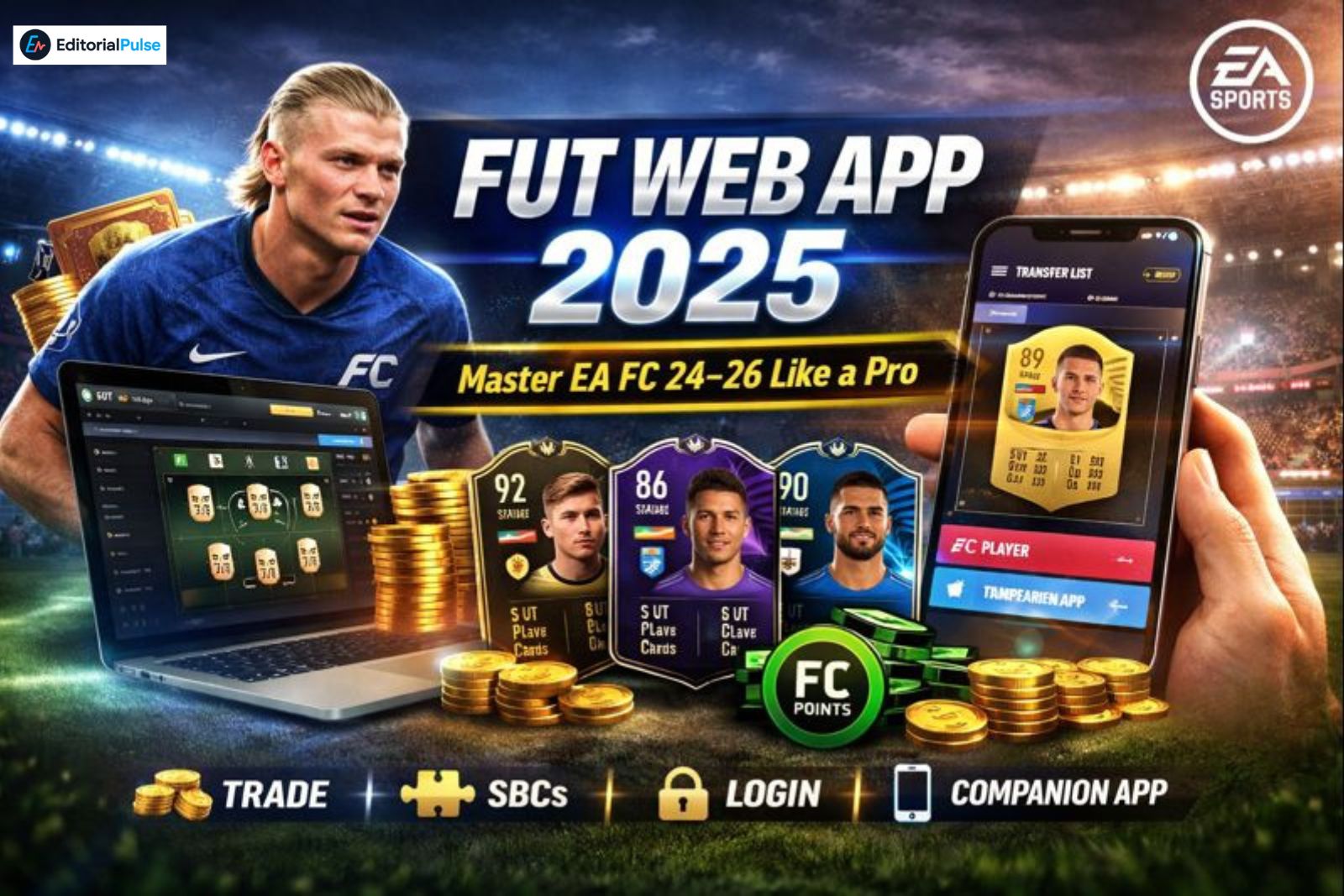
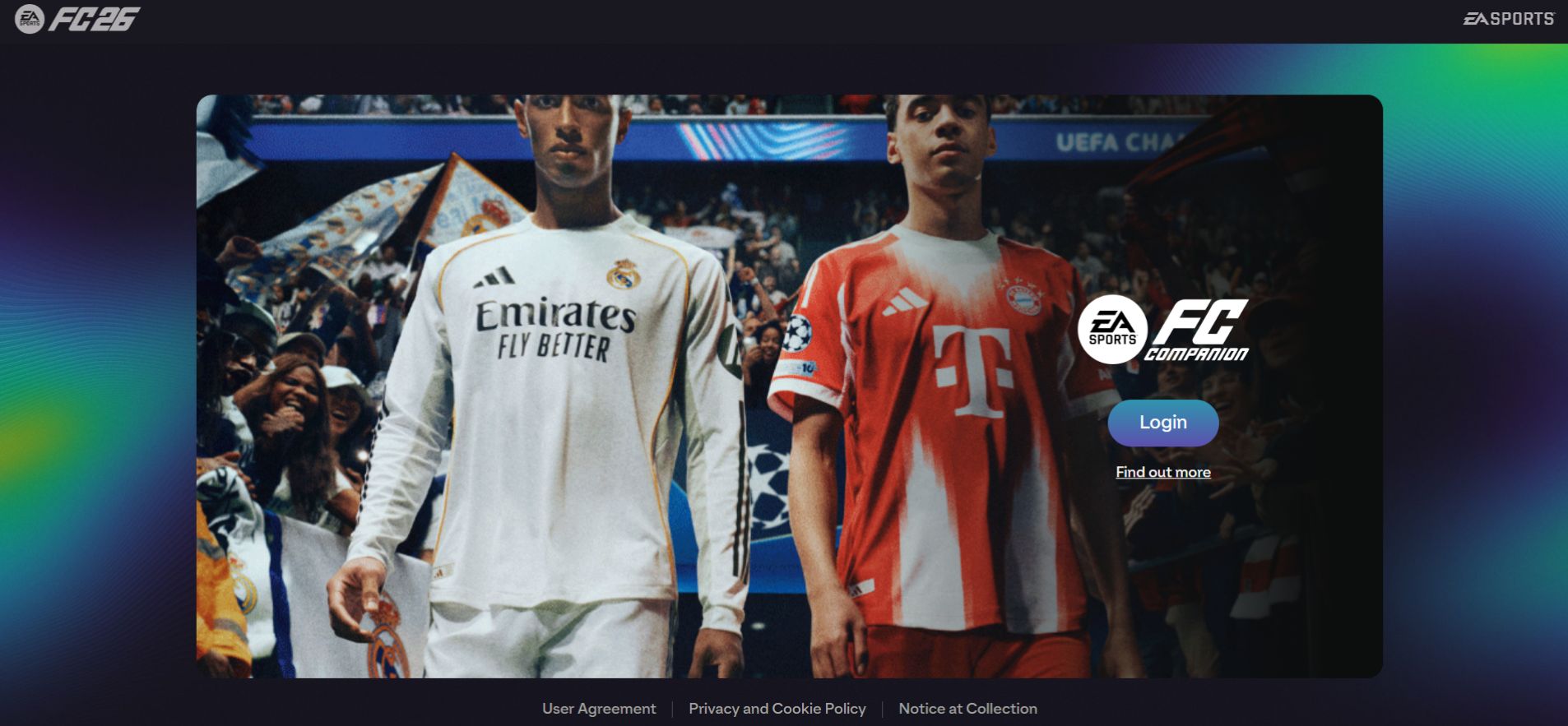
The FUT Web App is EA’s browser-based tool for managing your Ultimate Team. With it, you can:
-
View your squad and club stats
-
Handle trades and check the transfer market
-
Complete SBCs efficiently
-
Claim rewards and packs
Terminology to note: EA FC 26 Web App, EA FC Web App, FC26 Companion Web App.
The Companion App offers similar features for mobile devices, letting you check your club and trade cards while you’re away from your console or PC.
How to Log Into the FUT Web App
FC24, FC25, and FC26 Login Steps
-
Visit the official Web App link for your version.
-
Log in using your EA Account (the same one used for your console or PC).
-
Complete 2FA verification if required.
-
Make sure your Ultimate Team club is active in the main game.
Tip: Trial versions of the game may not unlock Web App access, so check that you’ve played the full game.
Common Login Issues and Fixes
-
Server downtime: EA servers occasionally go offline during peak hours.
-
2FA issues: Double-check that your email and phone number are correct and codes are received promptly.
-
Browser problems: Clear your cache, try another browser, or disable extensions.
-
Account eligibility: Ensure your Ultimate Team club exists and is active in-game.
Features and Benefits

Ultimate Team Management
-
Build squads with hundreds of players
-
Track player stats and chemistry
-
Stay on top of club progress and rewards
Trading and Sniping Basics
-
Buy low and sell high using the transfer market
-
Complete SBCs efficiently
-
Use search filters to find the best deals
Experienced FUT traders often rely on late-night market dips to make the most coins, taking advantage of lower activity when most players are offline.
Mobile vs Web Functionality
| Feature | Web App | Companion App |
|---|---|---|
| Squad management | ✅ | ✅ |
| Trading | ✅ | ✅ |
| SBC completion | ✅ | ✅ |
| Push notifications | ❌ | ✅ |
| Offline access | ❌ | ❌ |
Tips for Sniping and Trading
-
Check player price trends daily.
-
Set alerts for high-demand cards.
-
Avoid peak market times; prices often dip late at night.
-
Use FC26-compatible web tools or trusted companion apps to speed up trades.
Watch out for: Buying expired cards, misreading stats, or skipping market history checks.
Example: Player A snagged a card for 15,000 coins at 2 a.m. and sold it for 18,500 coins at 7 p.m.—a tidy 3,500-coin profit.
EA FC 26 Web App: Expected Improvements (2025)
Based on EA’s recent Web App updates, FC26 is expected to improve interface responsiveness, filtering options, and mobile integration. Keep in mind that exact features are not officially confirmed, but these likely enhancements follow patterns from past releases.
FC26 Companion App
Historically, EA launches the Companion App alongside the Web App. FC26 is expected to follow this trend, offering mobile access for Ultimate Team management, trading, and notifications—though official details are still pending.
Common Mistakes & How to Avoid Them
-
Skipping 2FA verification
-
Ignoring server status during peak hours
-
Confusing Web App login with Companion App login
-
Overpaying during peak market periods
Expert Tips & Cheat Sheet
-
Use both Web and Companion Apps simultaneously for faster trading.
-
Check market trends daily—coin values fluctuate by hour.
-
Plan SBCs carefully—read requirements to avoid wasting cards.
-
Enable Companion App notifications to catch deals immediately.
Quick Cheat Sheet:
-
Login: EA Account → 2FA → Active FUT Club
-
Trading: Monitor trends, use filters, avoid peak hours
-
SBCs: Plan and save cards
-
Companion App: Leverage push notifications and mobile convenience
FAQs
Q1: How much do FC Points cost?
EA FC Points come in fixed bundles that vary by platform and region. There’s no official 4,600-point pack. Prices usually range from ~$1 to ~$100 depending on bundle size. Always check your platform’s store or in-game shop for the latest prices.
Q2: Does EA FC have a web app?
Yes. EA FC offers an official Web App for Ultimate Team management. You can trade, manage squads, complete SBCs, and claim rewards directly from your browser.
Q3: Will FC26 have a companion app?
Historically, EA releases the Companion App alongside the Web App. FC26 is expected to follow suit, providing mobile access, though official confirmation is pending.
Q4: Why can’t I log into the FC24 Companion App?
Common issues include account eligibility, server downtime, missing 2FA, or browser/device problems. Ensure your Ultimate Team club is active in the main game.
Q5: How to snipe on FUT Web App?
Monitor market trends, use filters, and trade during off-peak hours to grab the best deals.
Q6: How to unlock the FUT Web App?
Log in with your EA Account, verify 2FA, and ensure your Ultimate Team club is active in-game.
Q7: Is the FUT Web App down?
EA servers sometimes go offline, especially during peak release periods. Always check the server status before troubleshooting.
Conclusion
The FUT Web App and Companion App are must-have tools for EA FC players wanting to manage their Ultimate Team efficiently. By following these tips, avoiding common mistakes, and leveraging likely FC26 features, you’ll stay ahead in the transfer market. Use both Web and Companion Apps strategically, enable notifications, and monitor trends. With the insights, cheat sheet, and experience-based tips here, managing your Ultimate Team is simpler, faster, and more profitable.
Related: Learn-Duck.web.app (2025 Guide): What It Is & How to Use It Safely
| Disclaimer: This article is for informational purposes only and is not affiliated with or endorsed by EA SPORTS or EA FC. Prices, features, and app availability are subject to change. Always refer to the official EA FC sources for the most accurate and up-to-date information. |