If you’ve noticed Wave Browser on your PC, you might be wondering: is Wave Browser safe? Many users never installed it, yet it hijacks browsers, changes default search engines, shows intrusive ads, and tracks your online activity.
Between 2024–2025, reports of Wave Browser installing itself without consent have surged. While it’s not technically a virus, its behavior raises serious concerns. This guide explains why it’s unsafe, how to remove it completely, and which browsers are truly secure in 2025.
| Is Wave Browser safe? No — Wave Browser is considered unsafe because it installs through software bundles, modifies browser settings, shows intrusive ads, and is difficult to remove. Security tools classify it as a PUP (Potentially Unwanted Program). Experts recommend uninstalling it immediately. |
What Is Wave Browser?
Wave Browser is a Chromium-based browser distributed through bundled installers, often hidden inside “free software” download packages.
It behaves differently than normal browsers because:
- It installs without clear consent
- It modifies system and browser settings
- It injects its own extensions
- It adds scheduled tasks so it can relaunch at startup
- It is difficult to remove using normal Windows tools
Security vendors classify it as:
- PUP.Optional.WaveBrowser (Malwarebytes)
- Potentially Unwanted Software (multiple AV engines)
- Browser hijacker (IT support communities)
Wave Browser is not open-source, does not publish audits, and its developer identity is unclear.
Is Wave Browser Safe?
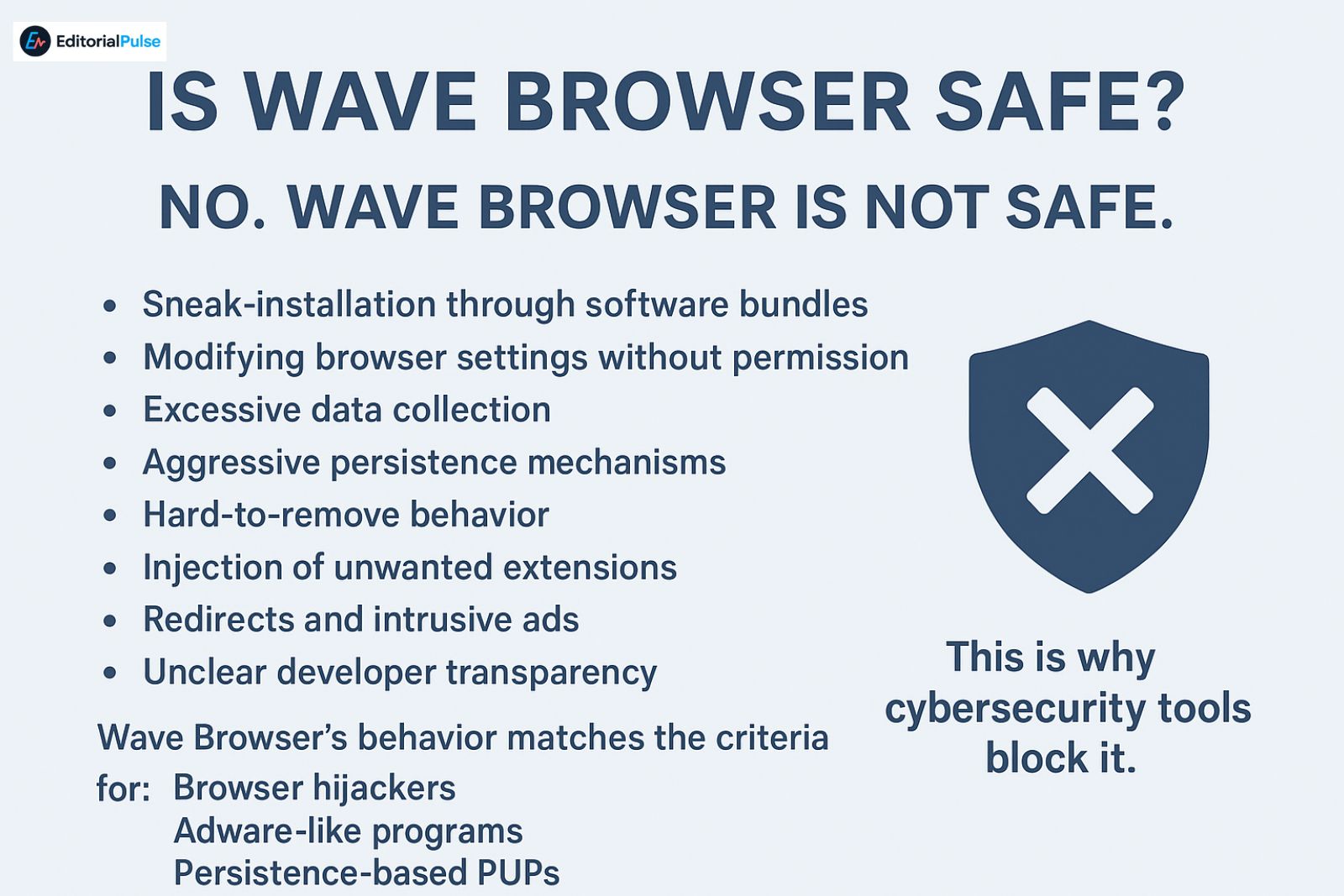
No. Wave Browser is not safe.
While it is not a traditional virus, it is considered unsafe software because of:
- Sneak-installation through software bundles
- Modifying browser settings without permission
- Excessive data collection
- Aggressive persistence mechanisms
- Hard-to-remove behavior
- Injection of unwanted extensions
- Redirects and intrusive ads
- Unclear developer transparency
Wave Browser’s behavior matches the criteria for:
- Browser hijackers
- Adware-like programs
- Persistence-based PUPs
This is why cybersecurity tools block it.
How Wave Browser Usually Installs (Real 2025 Patterns)
Most users report never intentionally installing it. Common infection paths include:
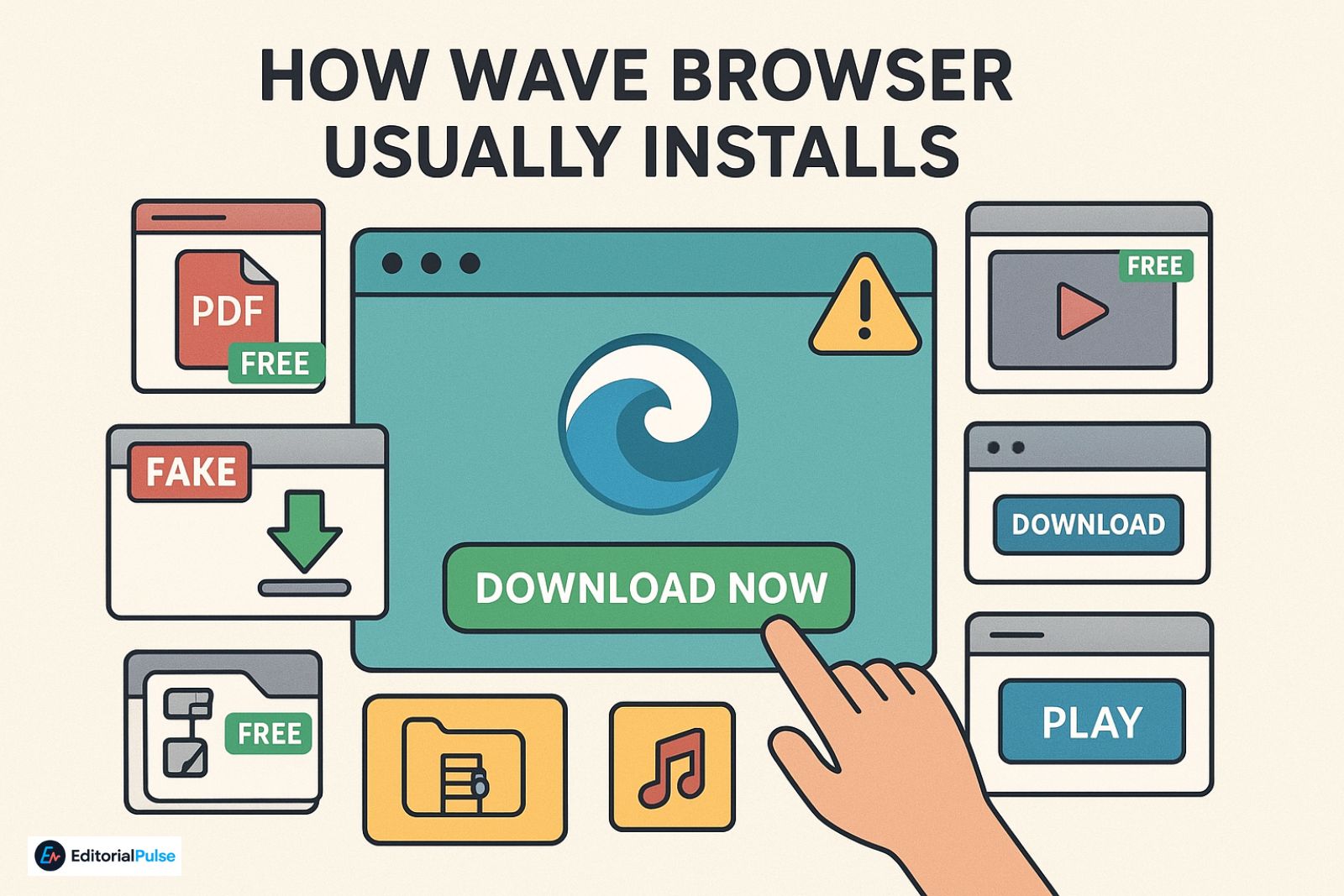
- Bundled installers
- Free PDF converters
- Free music/video downloaders
- Fake WinRAR/WinZip installers
- Pirated software sites
- Driver update tools
- Cracked games
- Fake download buttons
- Ads that auto-install
- Bright green “Download Now” buttons
- Misleading landing pages
- “Speed booster” utilities
- Software installers with pre-checked boxes
- Tiny checkboxes hidden in installer steps
- Confusing wording
- “Recommended settings” that secretly install Wave Browser
- Unverified mirror websites
- Softonic clones, repacks, “SoftwareHub-style” sites
- Run-once scripts
- Some bundles silently deploy Wave Browser in the background
How Wave Browser Behaves on Your PC
Wave Browser typically:
- ✔ Creates startup tasks – Look for names like WaveBrowserUpdater or WaveBrowserService
- ✔ Adds itself to Default Apps – It may change your default browser
- ✔ Injects new extensions – These can read browsing history, redirect searches, show intrusive ads
- ✔ Runs background processes – Common process names: wavebrowser.exe, waveupdater.exe
- ✔ Hijacks search results – Queries may redirect through unfamiliar sites
- ✔ Shows more ads than normal – Pop-ups, inline ads, shopping redirects
- ✔ Reinstalls after removal – Due to updater tasks or leftover folders
This persistent behavior is not normal for legitimate browsers.
WAVE-SAFE Score (Our 5-Step Safety Framework)
We developed a simple framework to evaluate questionable browsers.
WAVE-SAFE Criteria:
- Who makes it? (developer transparency)
- Audit trail? (security audits, open-source code)
- Verifiable install path?
- Expected behavior?
- SAFE removal possible?
Wave Browser Score (2025): 1/5 — Unsafe
| Feature | Wave Browser | Chrome | Firefox | Brave |
| Developer transparency | ❌ Unknown | ✔ Mozilla | ✔ Brave Software | |
| Safe installation | ❌ Bundles | ✔ | ✔ | ✔ |
| Privacy protection | ❌ None | Moderate | Good | Excellent |
| Ads/redirects | High | Low | Low | Very low |
| Security audits | ❌ None | ✔ | ✔ | ✔ |
| Removal difficulty | High | Low | Low | Low |
| Recommended to use? | ❌ No | ✔ Yes | ✔ Yes | ✔ Yes |
Is Wave Browser Malware or a Virus?
No — Wave Browser is not a traditional virus.
But it is classified as:
- PUP (Potentially Unwanted Program)
- Browser Hijacker
- Untrusted browser bundle
This makes it unsafe, even if it doesn’t behave exactly like malware.
Is Wave Browser Safe to Use Daily?
No. Using Wave Browser exposes you to:
- Tracking by unknown third parties
- Unsafe redirections
- Manipulated search results
- Intrusive ads
- Unpredictable privacy practices
- Browser-level persistence
There is no legitimate reason to use it over:
Chrome, Firefox, Brave, Vivaldi, or Edge.
How to Completely Remove Wave Browser (Full 2025 Guide)
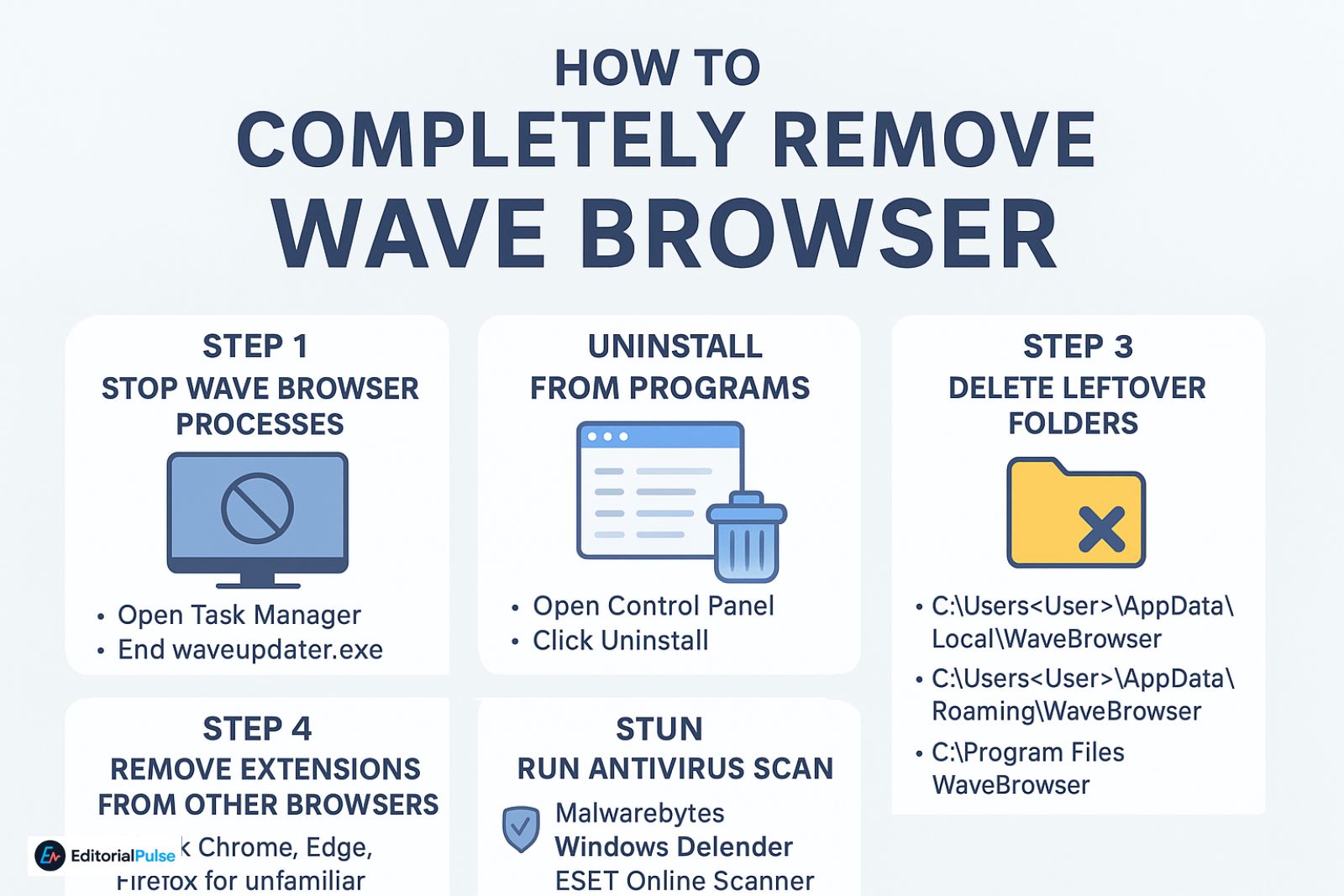
Wave Browser often leaves behind:
- Services
- Folders
- Scheduled tasks
- Registry keys
Here is the safe removal sequence:
1 — Stop Wave Browser Processes
- Open Task Manager
- Look for: wavebrowser.exe, waveupdater.exe
- Right-click → End Task
2 — Uninstall from Programs
- Open Control Panel → Programs
- Look for: Wave Browser, BrowserWave
- Click Uninstall
3 — Delete Leftover Folders
- C:\Users\<User>\AppData\Local\WaveBrowser
- C:\Users\<User>\AppData\Roaming\WaveBrowser
- C:\Program Files\WaveBrowser
4 — Remove Extensions from Other Browsers
-
- Check Chrome, Edge, Firefox for unfamiliar extensions
5 — Remove Startup & Scheduled Tasks
-
-
- Search Start Menu → Task Scheduler
- Delete tasks named: WaveBrowserUpdater, WaveUpdate, WaveService
-
6 — Run Antivirus Scan
-
-
- Malwarebytes, Windows Defender, or ESET Online Scanner
- This removes hidden remnants or bundled components
-
Why Wave Browser Keeps Reinstalling Itself
-
-
- Hidden updater tasks reinstall it
- Another bundled program remains on your PC
- Registry keys regenerate folders
- Malicious extensions reinstall it
- Another “free software” bundle triggers it again
-
You must remove all related components to stop the reinstall loop.
Final Recommendation: Delete Wave Browser immediately. It has no legitimate use case and poses clear privacy and security risks, including browser hijacking, intrusive ads, and data tracking. Keeping it on your system offers no benefits, so complete removal is the safest choice.
Safer Browser Alternatives to Wave Browser (2025)
If you want a secure, reliable, and privacy-respecting browsing experience, here are the best options for different needs:
1. Privacy-Focused Browsing
-
-
-
Brave – Blocks trackers and ads by default, with strong privacy protections.
-
Firefox + uBlock Origin – Open-source with customizable privacy and security extensions.
-
Orion Browser – Lightweight, privacy-first browser that blocks trackers and unwanted scripts.
-
-
2. General Use / Students
-
-
-
Chrome – Fast, widely compatible, regularly updated.
-
Firefox ESR – Stable version of Firefox with extended support, ideal for educational setups.
-
Edge (Secure Mode) – Safe, built-in Microsoft protections for everyday use.
-
-
3. Maximum Security
-
-
-
Chrome – Secure sandboxing and frequent updates.
-
Brave – Excellent privacy controls, anti-tracking, and secure browsing.
-
Edge with SmartScreen – Protects against phishing, malware, and unsafe downloads.
-
-
✅ Tip: Stick to browsers with verified developers and security audits. Avoid unverified or obscure browsers (like Hercules Browser or Wave Browser) that lack transparency, as they may put your system at risk.
FAQs
Q1. Is Wave Browser safe to use?
No. Wave Browser is not safe to use. Security tools classify it as a Potentially Unwanted Program (PUP) because it installs without consent, hijacks browsers, collects data, injects unwanted extensions, and shows intrusive ads. Experts recommend uninstalling it immediately to protect your privacy and system security.
Q2. Is Wave Browser a virus?
Technically, Wave Browser is not a virus, but it behaves like unsafe software. It acts as a browser hijacker and PUP, modifies settings without permission, and is flagged by antivirus tools. Treat it as untrusted software and remove it to prevent persistent installation and privacy risks.
Q3. Why is Wave Browser on my computer?
Wave Browser usually appears on your computer without intentional installation. It often comes from bundled software installers, fake download buttons, cracked programs, or unverified software sites. Users may not notice the installation due to hidden checkboxes or misleading prompts, which is why Wave Browser is considered a sneaky PUP.
Q4. How do I delete Wave Browser completely?
To remove Wave Browser fully:
-
-
- End any Wave Browser processes in Task Manager
- Uninstall the program from Control Panel or Settings
- Delete leftover folders in AppData and Program Files
- Remove startup tasks and scheduled tasks in Task Scheduler
- Delete browser extensions it added
- Run a full antivirus scan to remove hidden remnants
-
Q5. Is Wave Browser safe to download?
No. Downloading Wave Browser is unsafe. Its installers are usually bundled with PUPs, adware, and browser hijackers. Avoid any unverified download sources, mirrors, or “free software” bundles, as they can secretly install Wave Browser and compromise your privacy and security.
Q6. Why does Wave Browser keep coming back?
Wave Browser can reinstall itself automatically if hidden updater tasks, scheduled tasks, registry keys, or bundled programs remain on your system. To stop this, you must remove all related components, including leftover folders, extensions, and scheduled tasks, and then scan your PC with antivirus software to ensure it doesn’t return.
Conclusion
Wave Browser isn’t a traditional virus — but it is not safe and should be removed.
Its installation tricks, persistent behavior, tracking concerns, and lack of transparency make it untrustworthy.
If you find Wave Browser on your PC unexpectedly:
-
-
- Remove it
- Scan your system
- Avoid installers from unverified sites
-
A safe browser should be transparent, reputable, and easy to uninstall — Wave Browser checks none of those boxes.
Related: How to Get Around LockDown Browser (2025): The Truth
| Disclaimer: This article is for informational purposes only and reflects research and findings as of 2025. Wave Browser behavior may vary across systems. We do not guarantee results, and following this guide is at your own risk. Always use trusted antivirus software, back up your data, and exercise caution when removing or interacting with any software. |