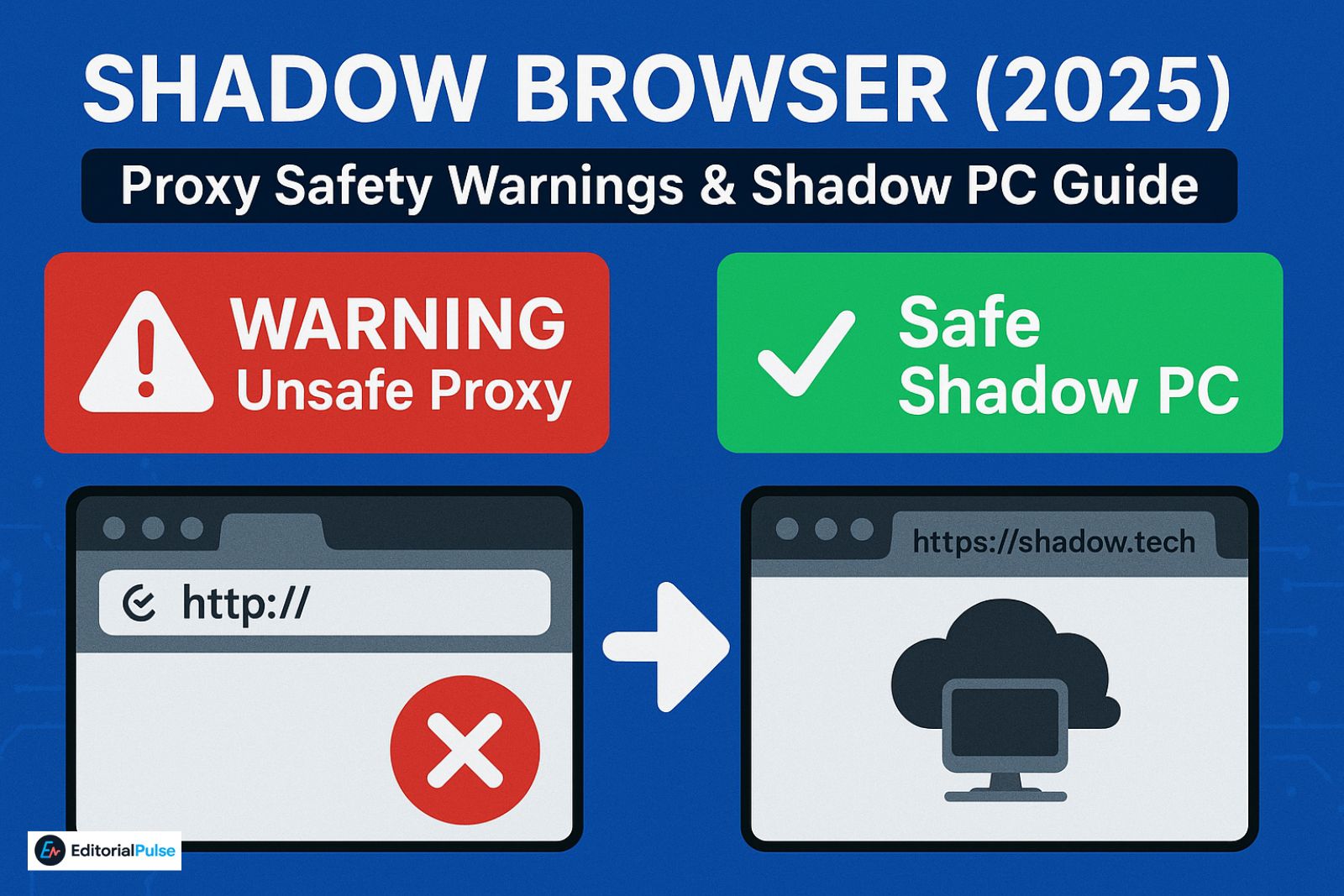
If you’ve searched “Shadow Browser” in 2025, you’ve probably noticed something strange: Google mixes two completely different things under the same keyword.
On one side, Shadow Browser refers to a viral unblocked proxy browser. The kind students use to bypass school filters through sites like Phantom, Shadow V3, or Ultraviolet clones.
On the other side, Shadow Browser is also a legitimate feature of Shadow PC, the cloud-gaming service that lets you stream a full remote Windows desktop through your web browser.
Two meanings. One keyword. Thousands of confused users.
This guide finally separates the noise.
Whether you’re looking for the proxy version, trying to access Shadow PC in your browser, or just want to know which links are safe, this article explains everything clearly — without hype, rumors, or misinformation. Let’s break down the real Shadow Browser story.
What Is Shadow Browser? (2 Definitions You MUST Know)
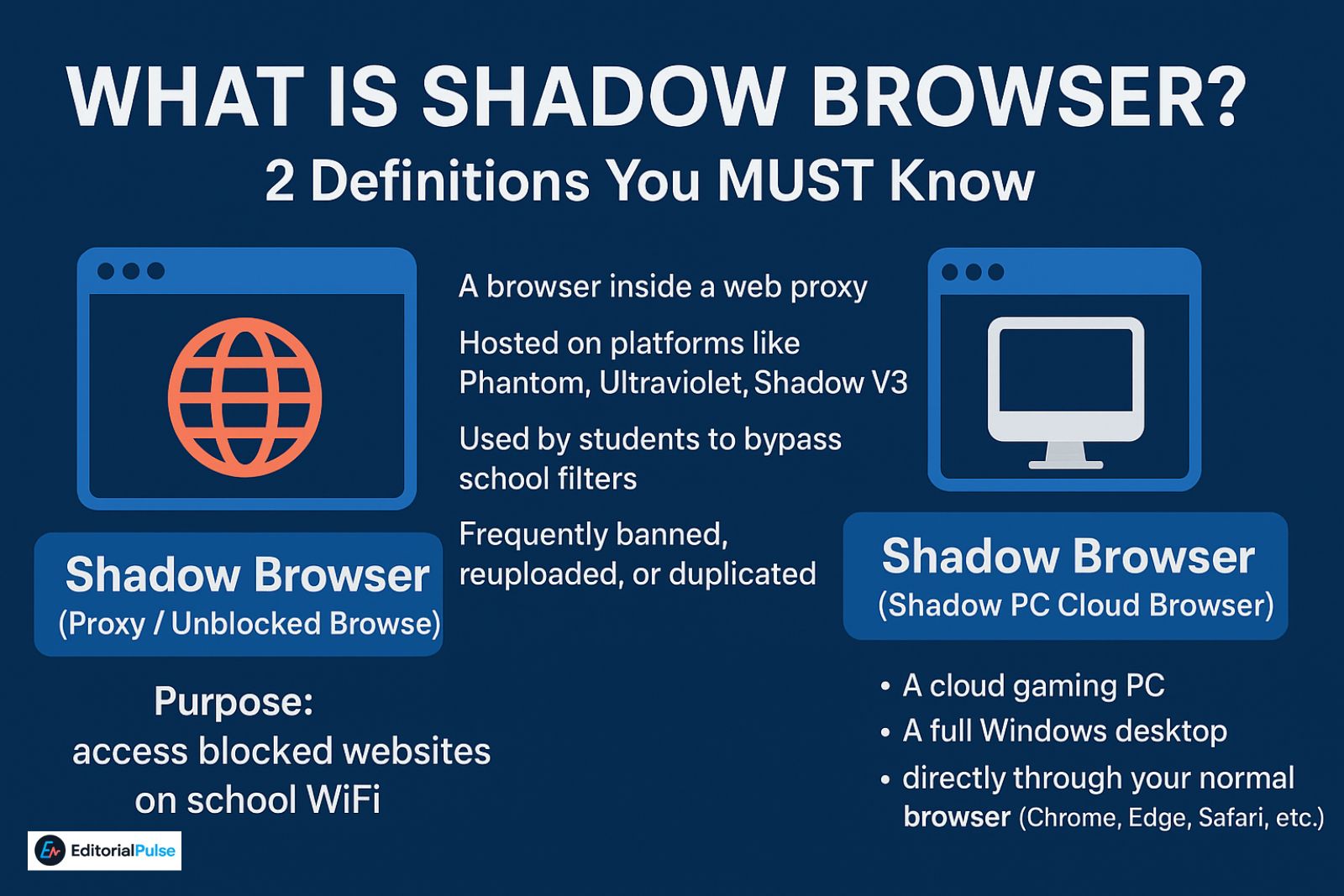
There are two completely different versions:
1. Shadow Browser (Proxy / Unblocked Browser)
This version is NOT a real browser. It is:
-
A browser inside a web proxy
-
Hosted on platforms like Phantom, Ultraviolet, Shadow V3
-
Used by students to bypass school filters
-
Frequently banned, reuploaded, or duplicated
-
Similar to:
-
Delta Browser
-
Astral Browser
-
NeroNite, Incognito, Rammerhead clones
-
Purpose: access blocked websites on school WiFi.
2. Shadow Browser (Shadow PC Cloud Browser)
This version is legitimate.
Shadow PC allows you to stream:
-
A cloud gaming PC
-
A full Windows desktop
directly through your normal browser (Chrome, Edge, Safari, etc.).
This is officially called:
The Shadow Web App.
It is:
-
Safe
-
Paid
-
Fully encrypted
-
GDPR-compliant
-
Used for gaming, remote work, and heavy apps
These two versions have no relation to each other.
How the Shadow Browser Proxy Actually Works (2025)
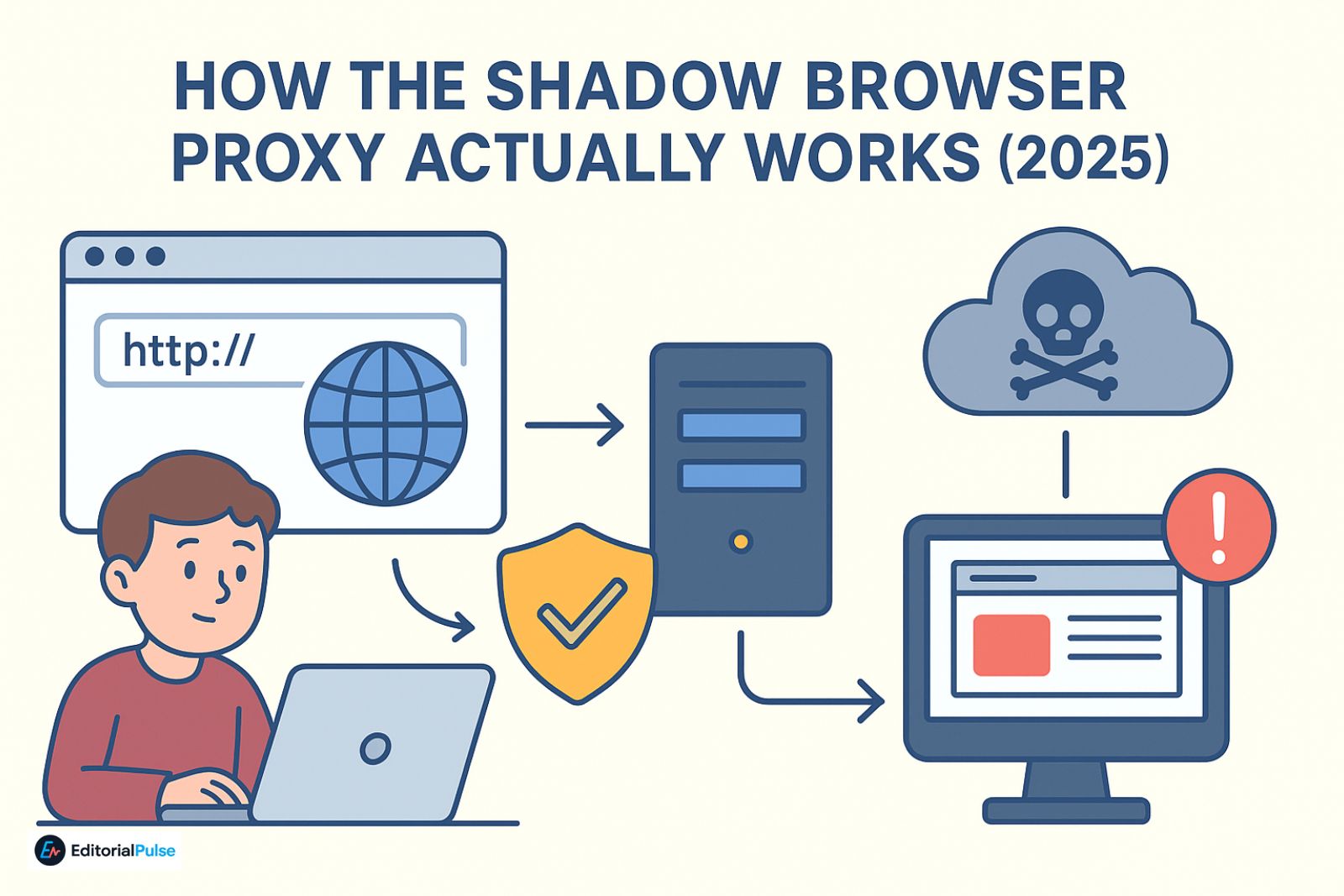
This is the version you see on Phantom or other “unblocked browser” sites.
Despite what some articles say, it is NOT a real “headless browser.”
The Technical Truth
Most Shadow Browser proxies (like Ultraviolet or Rammerhead) use a request-rewriting engine rather than running a full remote Chrome or Puppeteer instance.
Here’s how it works:
-
Intercepts your request — every time you try to visit a site.
-
Rewrites URLs, scripts, and CSS — changing parts of the webpage to make it work through the proxy.
-
Injects its own JavaScript — so the page behaves like it’s unblocked.
-
Sends the modified content back — through the proxy server.
Everything you do is routed through this server, meaning someone else could potentially see your activity.
A Kid-Friendly Analogy
Think of it like sending a letter through a “magic mailman”:
-
You write a letter (your web request).
-
The magic mailman opens it, changes some words so it looks acceptable to the school, and delivers it.
-
The letter comes back to you, but it’s not exactly the original.
It feels like a normal browser, but in reality, the “magic mailman” is doing most of the work behind the scenes.
For non-technical users, saying “it’s like a browser inside an iframe” is okay, but the real process is more like rewriting and rerouting everything through a middleman server.
Why students use it
-
To bypass GoGuardian
-
Access Roblox or game sites
-
Open blocked YouTube videos
-
Avoid school firewall lists
Expert Note: While unblocked browsers offer temporary access, using these tools to stay online for hours can lead to digital burnout and decreased academic focus. If you find yourself scrolling for too long, consider our 2025 Digital Detox Guide to help you regain focus and manage your screen time effectively.
Why these proxies break constantly
-
Schools block the domain
-
Hosting providers (Vercel/Netlify) suspend them
-
Devs abandon the code
-
New URLs pop up weekly
-
GitHub forks fall out of sync
This is why real Shadow Browser links never stay online.
Is Shadow Browser Safe? (2025 Warning)
This is the part most users misunderstand. We need to treat each version separately.
Proxy Version: Full Security Risks Explained (Simple but technically accurate)
Most Shadow Browser proxies are NOT safe.
Here’s why:
1. Everything you do passes through someone else’s server
A proxy sits between you and the website — a perfect setup for:
-
Cookie sniffing
Even if the site uses HTTPS, the proxy rewrites the page, meaning it can still read:
-
Form inputs
-
Cookies
-
Session tokens
-
Search history
-
URLs visited
This is a textbook MITM (Man-in-the-Middle) attack surface.
2. Many proxies inject custom JavaScript
Proxy authors (often teenagers) can inject scripts that:
-
Capture keystrokes
-
Log usernames/passwords
-
Steal Roblox/Google/Instagram sessions
-
Redirect to phishing pages
-
Load ads or crypto-miners
Once injected, you cannot detect it.
3. Fake Shadow Browser sites are everywhere
Many clones use:
-
Shortened URLs
-
Random .xyz/.fun/.live domains
-
Fake “download Shadow Browser APK” pages
-
Redirects to malware
-
Popup spam
If you see any download button, it’s fake.
4. Logging into anything serious is dangerous
Never use a school proxy to log in to:
-
Gmail
-
Instagram
-
Roblox
-
Amazon
-
Banking or payments
-
School accounts
Thousands of students lose accounts every year from proxy phishing.
Bottom line:
Shadow browser proxies are only “safe” for casual browsing — not for accounts.
Shadow PC Browser Safety (Official Version)
Shadow PC’s browser app is:
-
Fully encrypted
-
Built by a legitimate company
-
GDPR-compliant
-
Safe for logins, work, and gaming
-
Actively maintained
This version is completely safe and unrelated to the proxy version.
Shadow Browser Proxy Links (Updated 2025)
We will NOT list unstable or unsafe links.
Here’s why real Shadow Browser URLs constantly disappear:
-
Schools block them within days
-
Hosts take them down
-
Developers reupload new domains weekly
-
Most sites are clones of the same two codebases
How to identify a REAL (non-malicious) proxy
Look for:
✔ HTTPS
✔ No login forms
✔ No APK downloads
✔ No ads/popups
✔ A public GitHub repo
✔ No URL shorteners
✔ No redirects
Anything else is likely unsafe.
Also Read: Eduphoria LockDown Browser Explained (2025) – Student Guide
Does Shadow Browser Work on School Chromebooks?
Short answer: sometimes — but not reliably in 2025.
Why proxies fail on Chromebooks:
-
GoGuardian blocks proxy JavaScript
-
Securly detects “web-tunnel traffic”
-
Admins block iframe-based proxies
-
ChromeOS restricts sandboxed environments
What still works sometimes (2025)
-
Rammerhead forks
-
Ultraviolet-based proxies
-
Self-hosted instances on a VPS
What NEVER works
-
Chrome extensions
-
APKs (Chromebooks can’t run them)
-
Downloadable “browsers”
If a site claims “install Shadow Browser,” it’s fake.
Shadow PC Browser — Full Guide (Official Version)
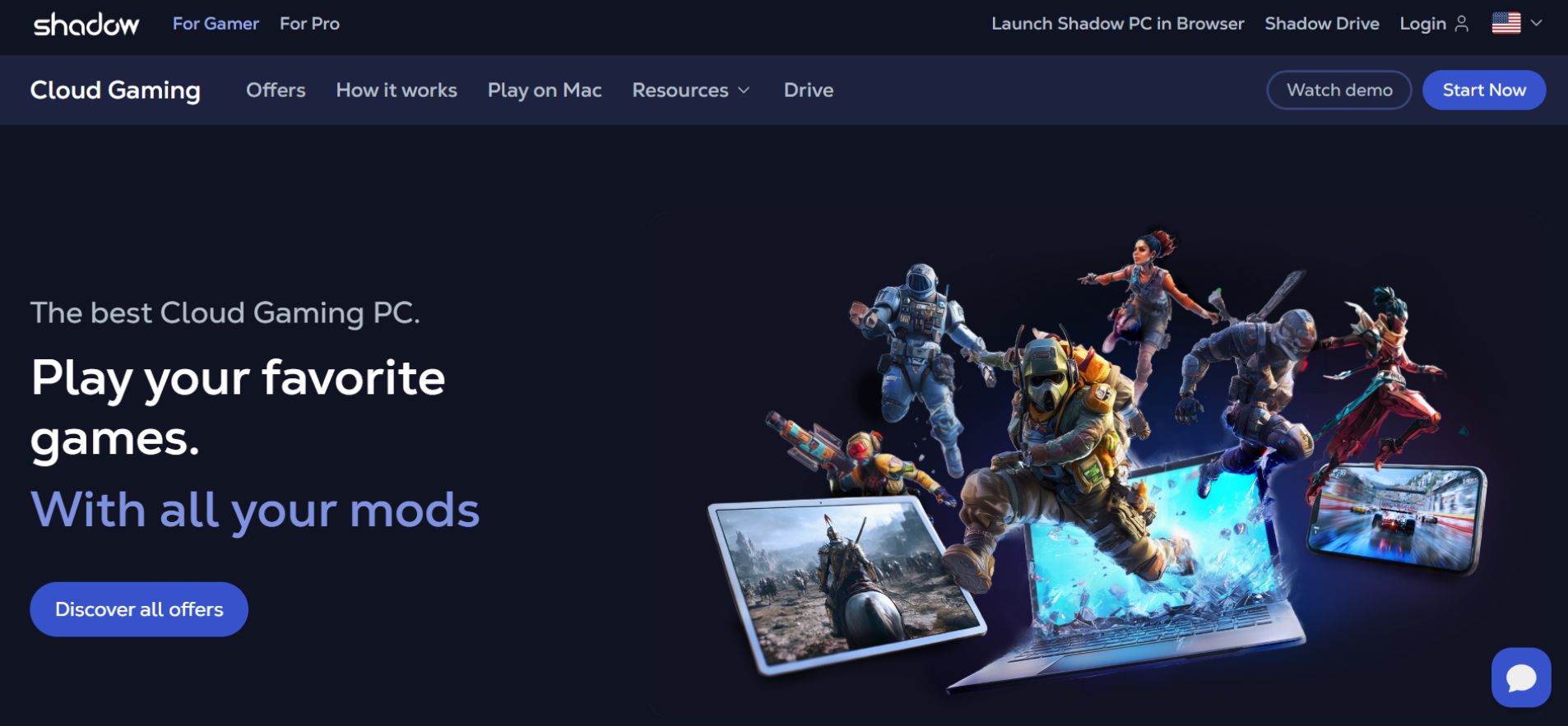
Now for the legitimate version: Shadow Browser is simply your Shadow PC streamed inside a normal web browser. It works on:
-
Chrome
-
Edge
-
Safari
-
Firefox (partial support)
How to use Shadow PC in your browser
-
Go to the official Shadow Web App (Shadow.tech)
-
Log in
-
Launch your cloud PC
-
A Windows desktop opens inside a browser tab
-
Use it like a full computer
Performance depends on:
-
Ping to Shadow servers
-
Your internet stability
-
Your device’s video decoding capability
Shadow PC Browser Limitations (Compared to Desktop App)
The browser version is great — but not full-power.
Limitations include:
-
USB passthrough issues
-
Webcams and microphones often don’t forward reliably
-
-
High refresh rates limited
-
120–240Hz gaming usually capped or inconsistent
-
-
Anti-cheat incompatibility
-
Some games requiring kernel-level access won’t launch
-
-
Higher latency
-
Browser rendering adds an extra layer
-
-
Some apps won’t run
-
Tools needing low-level drivers
-
Use the browser for convenience and productivity — use the desktop app for serious gaming or content creation.
Shadow Browser vs Shadow PC
| Feature | Proxy Browser | Shadow PC Browser |
|---|---|---|
| Legit? | ❌ No | ✔ Yes |
| Safe for logins? | ❌ No | ✔ Yes |
| Works on school WiFi? | ⚠️ Sometimes | ⚠️ Depends |
| Purpose | Unblocking | Cloud PC |
| Developer | Unknown | Real company |
| Cost | Free | Paid |
| Reliability | Low | High |
Should You Use Shadow Browser? (Decision Matrix)
-
If you want security → Use Shadow PC
-
If you want privacy → Use Brave, Firefox or Orion browser
-
If you want unblocked sites → Use safer proxies (Rammerhead/Holy-Unblocker)
-
If you want gaming → Use Shadow PC
Better Alternatives (2025)
Secure Browsers
-
Brave
-
Firefox
-
Arc Browser
- Orion Browser
-
Chrome (Enhanced Safe Browsing)
Safer Proxy Options
-
Rammerhead forks
-
Ultraviolet proxies
-
Holy-Unblocker VPS instances
Mobile Hotspot Tip
For personal devices, a mobile hotspot often works when proxies fail — but school rules may prohibit this, and it uses your data.
Also Check: Hercules Browser (2025): Truth, Risks & Safe Alternatives
The Status of Shadow V3 Links (December 2025)
If you are searching for working Shadow V3 links, you have likely noticed that most URLs (especially those ending in .xyz, .top, or .fun) are being blocked almost instantly.
As of late 2025, school filters like GoGuardian and Securly have implemented Smart Alerts for Proxies. This AI-driven technology detects the underlying “Shadow” or “Ultraviolet” code even if the website name changes.
What you need to know for 2025:
-
Avoid “Link Lists”: Most sites claiming to have “100+ Shadow V3 Links” are filled with broken redirects or malicious clones designed to steal your login data.
-
The Official Source: Rather than clicking random links, technical users should check the official GitHub repositories for Shadow-related projects. This allows you to see the source code directly and ensure no “password loggers” have been added by a third party.
-
Security Risk: Running an unverified version of Shadow V3 exposes your session cookies to the site owner. Never log into your personal Google, Discord, or Roblox accounts while using an unblocked proxy.
FAQs
Q1. What is Shadow Browser?
Shadow Browser is a term used for two different things:
-
a proxy-based unblocked browser used by students to bypass school filters, and
-
the official Shadow PC Web App that streams a cloud Windows desktop.
The first is unofficial; the second is legitimate and safe.
Q2. Is Shadow Browser a real browser?
The proxy version is not a real browser—it’s a web proxy that rewrites website requests.
The Shadow PC version is real, because it streams a full Windows PC inside your browser using the official Shadow Web App.
Q3. Can you get Shadow Browser on a school Chromebook?
You cannot install Shadow Browser on a school Chromebook.
The only versions that may work are browser-based proxy sites, and these depend on the school’s filter (GoGuardian/Securly). Any extensions or APK downloads claiming to be “Shadow Browser” are fake.
Q4. Is Shadow Browser safe?
Proxy Shadow Browser: unsafe — exposes you to MITM risks, data logging, and credential theft.
Shadow PC Browser: safe — encrypted, official, and secure for logins, gaming, and remote work.
Q5. What is the Shadow PC Browser?
The Shadow PC Browser is the web version of Shadow PC that lets you launch a full Windows computer inside your browser. You can access your cloud PC through Chrome, Edge, Safari, or Firefox without installing the desktop client.
Conclusion
“Shadow Browser” in 2025 refers to two unrelated things: a viral unblocked proxy used by students, and the official Shadow PC cloud browser used by gamers and remote workers.
The proxy version is unstable and risky; the Shadow PC version is legitimate, safe, and designed for real productivity and gaming. If you want secure browsing or reliable performance, stick to official Shadow PC or trusted browsers. If you explore the proxy version, be careful — links change constantly, and many clones are unsafe.
Now you fully understand how both versions work and what the safest options are.
Related: Prisma Access Browser 2025: Features, Pricing & Setup Guide
| Disclaimer: This article is for informational purposes only. We do not endorse using unverified proxy browsers, which can be unsafe or violate school/network rules. Always use official Shadow PC or trusted browsers and follow all applicable policies. |