Paying rent doesn’t have to be stressful. For many renters, juggling bills, tracking payments, and worrying about late fees turns a simple monthly obligation into a financial headache. Lost checks, unclear payment confirmations, and office closures can make timely payments a challenge.
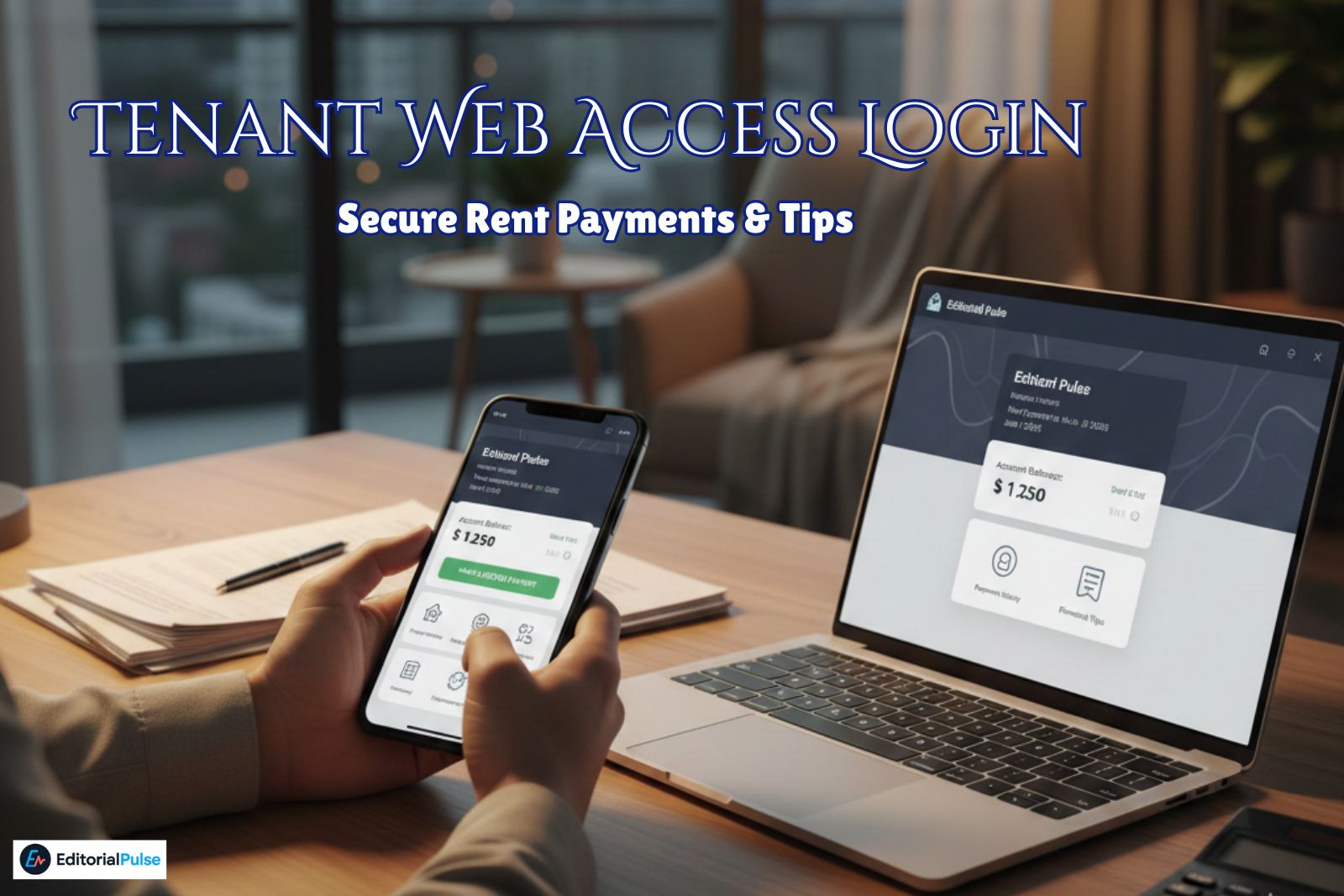
Tenant Web Access (TWA) is a secure online portal designed for renters and property managers to handle rent payments, account tracking, and maintenance requests efficiently. In 2025, TWA has become one of the most reliable tools for tenants looking to manage their rental finances digitally.
This finance-focused guide will show you how to:
-
Create and activate your TWA account
-
Log in securely
-
Make one-time or automatic rent payments
-
Track payment history and receipts
-
Avoid unnecessary fees
-
Submit maintenance requests
-
Apply best practices for financial management
By the end of this guide, you’ll treat Tenant Web Access not just as a tenant portal, but as a financial tool to manage your rent efficiently and securely.
What Is Tenant Web Access?
A Modern Online Portal for Renters
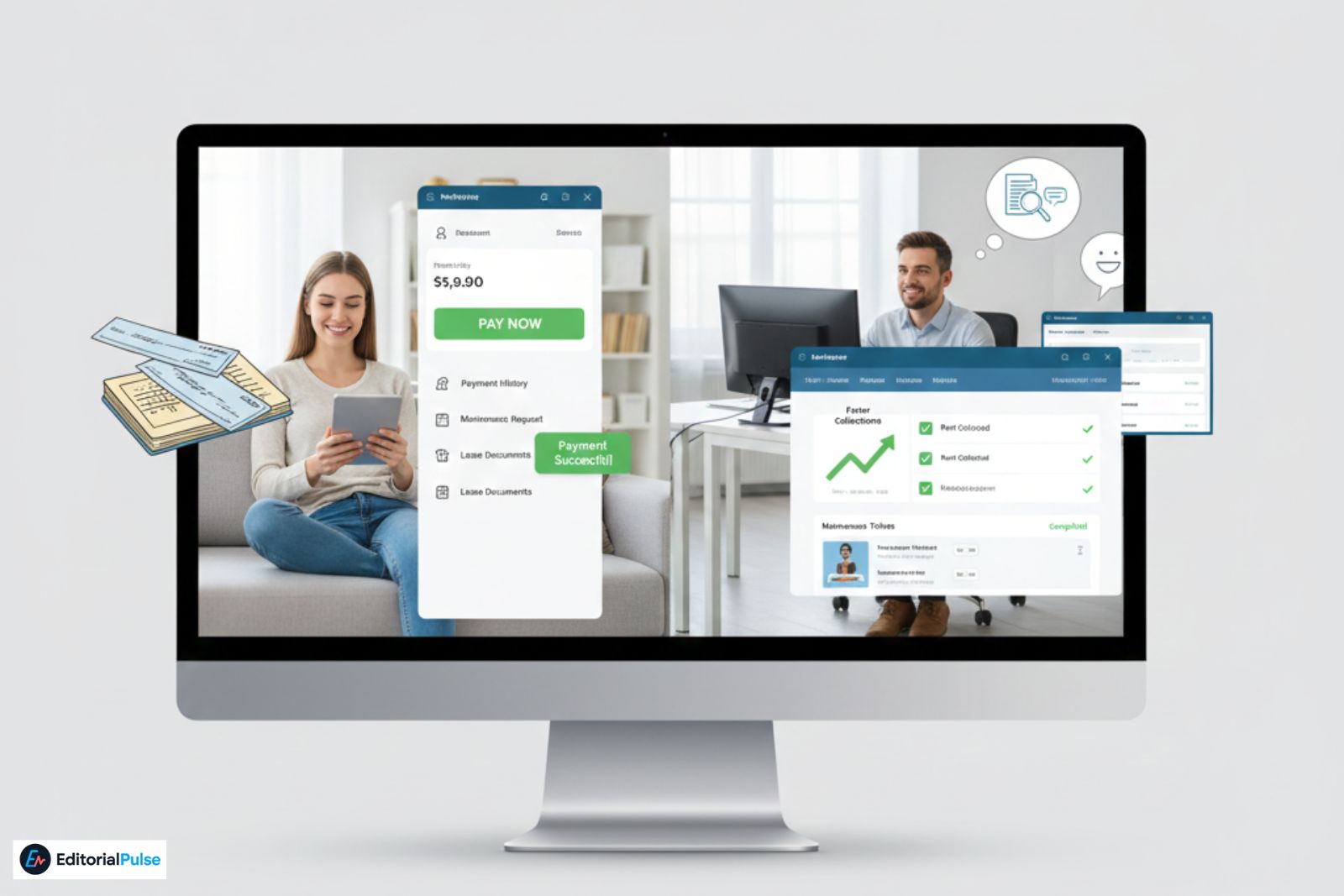
Tenant Web Access (TWA) is an online portal built on the Rent Manager platform. It replaces traditional rent payments by check, manual ledger tracking, and in-person office visits. The system is designed to give tenants and property managers a secure, organized, and easy-to-access platform for financial transactions related to renting.
What You Can Do Inside the TWA Portal
Once you log in, your portal dashboard allows you to:
-
Pay rent or additional fees online
-
Set up autopay for recurring payments
-
View account balance and payment history
-
Receive notices or announcements from your property manager
-
Access lease documents
-
Submit maintenance requests
-
Communicate with your property manager (if enabled)
These features consolidate multiple financial tasks in one place, giving tenants a clear overview of their rental finances.
Why Property Managers Use Tenant Web Access
Property managers rely on TWA because it:
-
Speeds up rent collection
-
Reduces errors from manual payments
-
Provides an organized history of tenant transactions
-
Tracks maintenance and service requests efficiently
-
Improves transparency and record-keeping
For tenants, this translates into reliable payment processing, digital receipts, and reduced financial stress.
How to Create Your Tenant Web Access Account
What You Need Before Signing Up
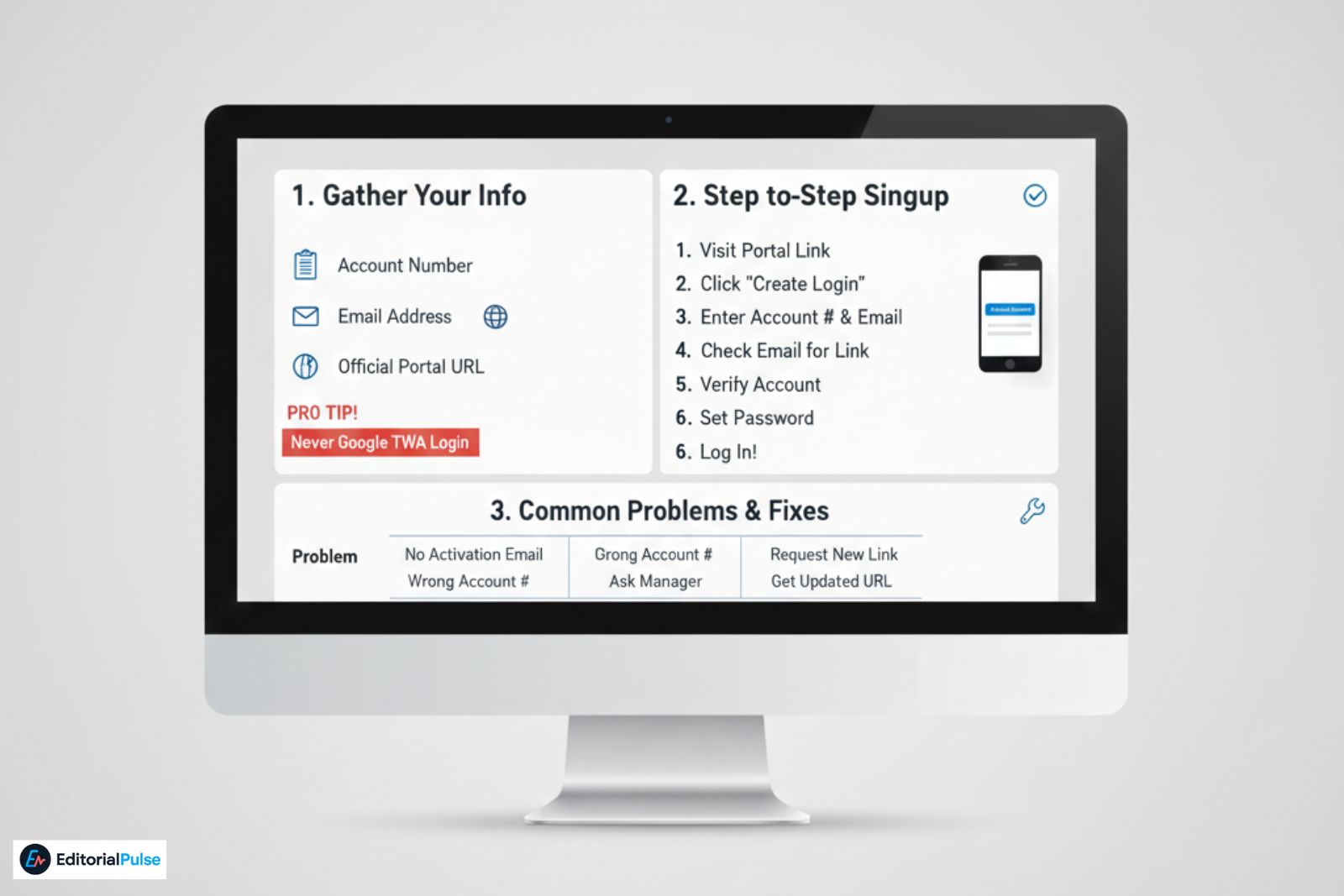
Before you start, gather:
-
Your account number (provided by your landlord)
-
A valid email address
-
Your property’s official portal URL
Pro Tip: Never Google a generic TWA login link. Using an incorrect URL is the top cause of login and signup problems.
Step-by-Step Signup Process
-
Visit the official portal link provided by your property manager.
-
Click “Create Login” or “Sign Up.”
-
Enter your account number and email.
-
Check your email for an activation link.
-
Click the link to verify your account.
-
Set a strong password.
-
Log in to your tenant dashboard.
Common Signup Problems & Fixes
| Problem | Fix |
|---|---|
| Didn’t receive activation email | Check spam/promotions; confirm email spelling |
| Wrong account number | Ask your manager for the correct one |
| Activation link expired | Request a new link via the portal |
| Portal won’t load | Ask for an updated link; avoid Google search results |
Tenant Web Access Login Guide (2025)
How to Log In Successfully
-
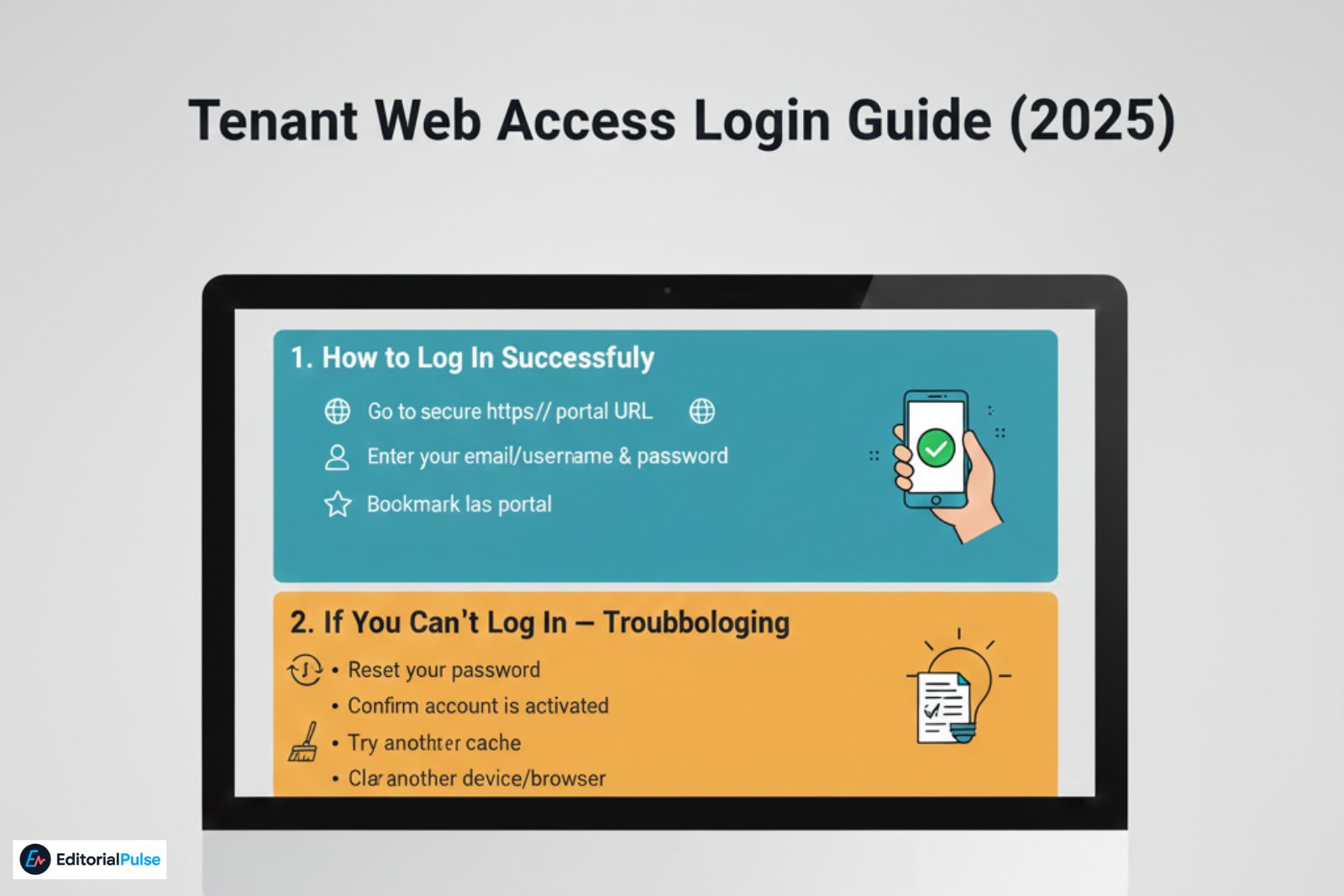
Go to the secure https:// portal URL provided by your landlord
-
Enter your email/username
-
Type your password
-
Optional: bookmark the portal for easier access
If You Can’t Log In — Troubleshooting
-
Reset your password
-
Confirm your account is activated
-
Verify the portal URL
-
Clear browser cache
-
Try another device or browser
-
Wait if the portal is temporarily offline
Most login issues arise from using the wrong URL or an inactive account.
Using Tenant Web Access to Pay Rent
Rent payments are the most common use of TWA. Managing them correctly is critical for your financial health and credit reliability.
Payment Methods
TWA supports multiple secure payment options:
-
ACH / Bank Transfer – cost-effective, usually free, and secure. Best for consistent monthly payments.
-
Debit Cards – convenient but may include small processing fees.
-
Credit Cards – faster processing, often with higher convenience fees. Use only if rewards outweigh fees.
Finance Tip: Prefer ACH or bank transfer for reliable, low-cost payments.
Making a One-Time Payment
-
Log in to your tenant dashboard
-
Click “Make a Payment”
-
Select payment method
-
Enter the amount
-
Review fees and charges
-
Submit payment
-
Save or screenshot the receipt
Digital proof ensures accurate record-keeping and protects against disputes.
Autopay: How It Works
Autopay allows your rent to be deducted automatically each month.
Pros:
-
Prevents late payments
-
Ensures consistent record-keeping
-
Reduces stress
Risks / Financial Considerations:
-
Insufficient funds trigger returned payment fees
-
Unexpected fees (utilities, pet fees) may apply
-
Expired or updated bank info can interrupt autopay
Best Practice: Set reminders to check your balance a day or two before rent is withdrawn.
Tracking Payment History & Statements
TWA allows you to:
-
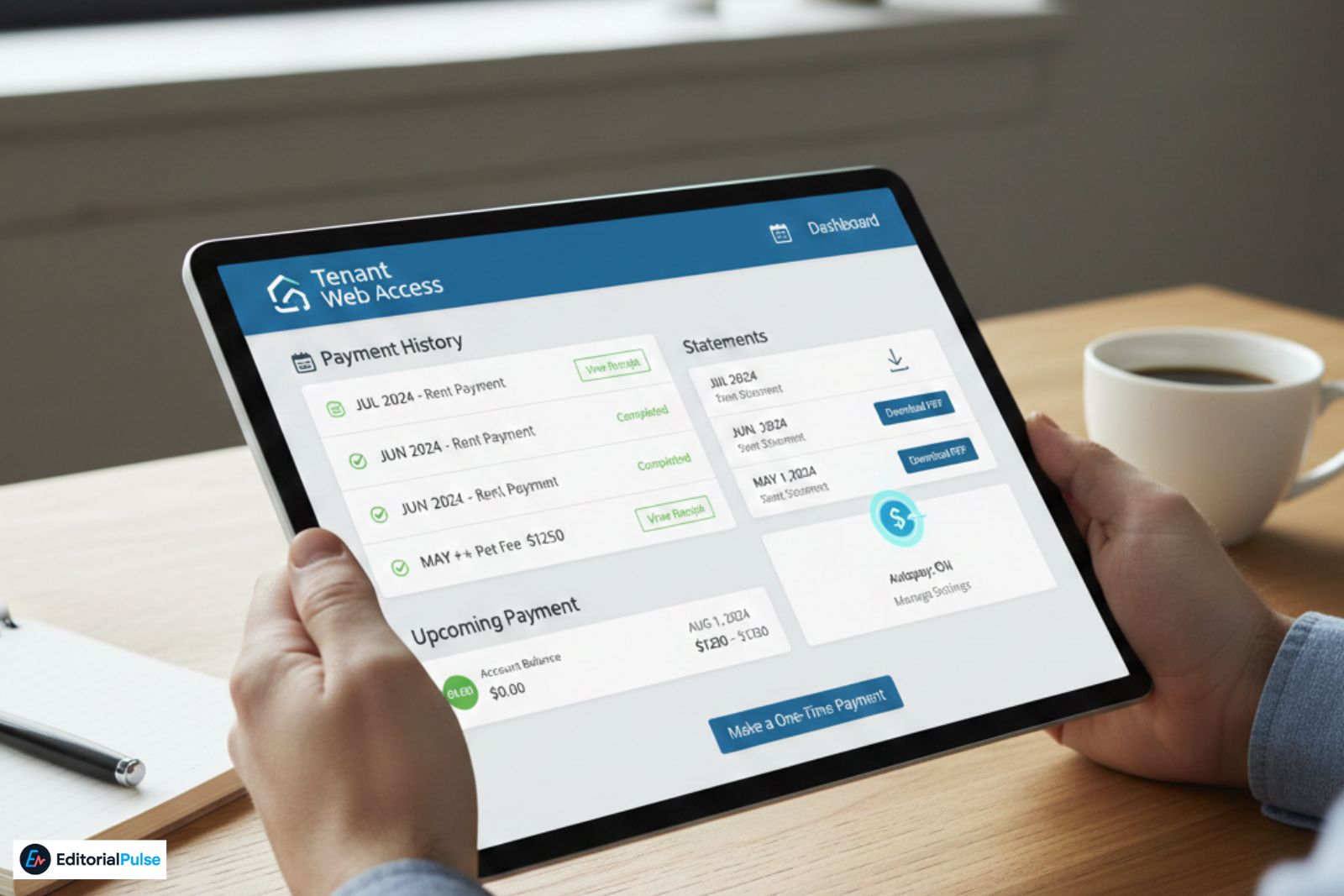
View a complete payment history
-
Download or screenshot receipts for accounting or taxes
-
Verify charges and applied fees
-
Confirm rent and other payments have cleared
Finance Tip: Regularly reviewing your payment history helps with budgeting and expense tracking.
Fees You Might Encounter
| Fee Type | Typical Amount | Advice |
|---|---|---|
| ACH Fee | Rare | Preferable method |
| Debit/Credit Fee | 2–3% | Check lease terms |
| Returned Payment Fee | $25–50 | Keep sufficient funds |
| Late Fee | Variable | Use autopay with reminders |
Submitting Maintenance Requests Through TWA
Maintenance management is part of TWA but has financial implications, especially if delays result in additional costs.
What to Include
-
Detailed description of the issue
-
Photos or videos
-
Preferred access times
-
Emergency vs standard classification
Tracking Progress
You can track:
-
Status updates
-
Technician notes
-
Estimated resolution timelines
-
Messages from your property manager
Finance Tip: Prompt reporting prevents costly damages and ensures accountability.
Is Tenant Web Access Safe? (Security for Payments)
Security is critical when managing rent online.
TWA Security Features
-
SSL encryption protects data in transit
-
Secure banking gateways for payments
-
Hosted by Rent Manager, a trusted property management platform
-
Limited access based on user roles
How to Confirm the Real Portal
-
URL starts with https://
-
Matches your landlord’s link exactly
-
No unusual popups requesting personal info
-
Avoid payments on public WiFi
-
Don’t trust unsolicited password reset emails
Red Flags:
-
“Not Secure” warnings
-
Broken layouts
-
Unexpected link changes
-
Payment errors without confirmation
Tenant Web Access vs Other Payment Methods
| Method | Convenience | Speed | Security | Fees | Record Keeping | Reliability |
|---|---|---|---|---|---|---|
| TWA Portal | High | Fast | High | Low | Excellent | Very reliable |
| Check / Money Order | Low | Slow | Medium | None | Medium | Can get lost |
| In-Person Payment | Medium | Medium | Medium | None | Depends | Varies |
| Cash App / Zelle | Medium | Fast | Medium | None | Limited | Risky if mis-sent |
Conclusion: TWA is the most reliable, secure, and convenient method for managing rent payments.
2025 Best Practices
-
Use ACH instead of cards to avoid fees
-
Save receipts or screenshots for record-keeping
-
Set autopay with reminders
-
Update email address when it changes
-
Double-check account balance monthly
-
Confirm maintenance requests after submission
-
Verify portal URL annually
Real-World Example: Mia’s Story
Mia paid rent by check and often faced late fees. After switching to TWA:
-
She set up autopay with a balance reminder
-
Avoided all late fees
-
Submitted her first maintenance request online
-
Downloaded digital receipts for budgeting and taxes
Her experience demonstrates TWA as a financial management tool, not just a portal.
Common Tenant Mistakes
-
Using the wrong portal URL
-
Assuming autopay is active without checking
-
Ignoring payment confirmations
-
Entering incorrect banking info
-
Using public WiFi for payments
-
Neglecting maintenance updates
Avoiding these ensures financial safety and smooth account management.
FAQs
Q1: What is Tenant Web Access?
A: Tenant Web Access (TWA) is a secure online portal for renters that allows you to pay rent, submit maintenance requests, and manage your tenant account. With TWA, you can track your rental payments, lease documents, and account balance in one place, making it easier to stay organized and avoid late fees.
Q2: Is Tenant Web Access safe?
A: Yes, Tenant Web Access uses SSL encryption and secure payment gateways to protect your financial and personal data. Always make sure you are on the official portal URL provided by your landlord and avoid entering sensitive information on public WiFi. Following these steps ensures your rent payments and account info remain secure.
Q3: How do I get my Tenant Web Access account number?
A: Your TWA account number is provided by your landlord or property manager. It is required to create your Tenant Web Access login and access your dashboard. If you don’t have it, contact your property office directly — never guess or try random numbers, as incorrect entries can prevent account creation.
Q4: Can I pay rent using Tenant Web Access?
A: Yes, Tenant Web Access allows tenants to make online rent payments using ACH transfers, debit cards, or credit cards. You can also set up autopay for recurring rent. Payments are securely processed, and digital receipts are available for record keeping and financial tracking, helping you manage your rental finances efficiently.
Q5: Why can’t I log in to Tenant Web Access?
A: Common login issues include using the wrong portal URL, an unactivated account, or incorrect password. Make sure your account is verified via the activation email and clear your browser cache. If problems persist, contact your property manager to confirm your account details and portal access.
Q6: Does Tenant Web Access have a mobile app?
A: Yes, TWA works with the rmResident mobile app, allowing you to pay rent, check account balances, and submit maintenance requests directly from your phone or tablet. The app ensures your tenant dashboard is always accessible, making rent and account management convenient on the go.
Q7: How long do Tenant Web Access payments take?
A: Payment times depend on the method: ACH bank transfers usually take 1–3 business days, while debit or credit card payments often process instantly. Always check your tenant dashboard to confirm that the payment has posted, and save your digital receipt for your records and budgeting purposes.
Q8: Are there fees for using Tenant Web Access?
A: Fees vary by property. ACH payments are typically free, while debit and credit card payments may include convenience fees. Always review the fee schedule in your tenant portal before submitting payments to avoid surprises and manage your monthly rental budget efficiently.
Conclusion
Tenant Web Access is the easiest and most secure way to manage your rent in 2025. By verifying the portal URL, keeping digital receipts, using autopay carefully, and choosing cost-effective payment methods like ACH, tenants can save time, avoid fees, and maintain excellent financial records.
With TWA, your rent payments, account tracking, and maintenance requests become efficient financial tools, giving you control, security, and peace of mind.
Related: Small Business Debt Recovery: The 2025 Complete Guide